
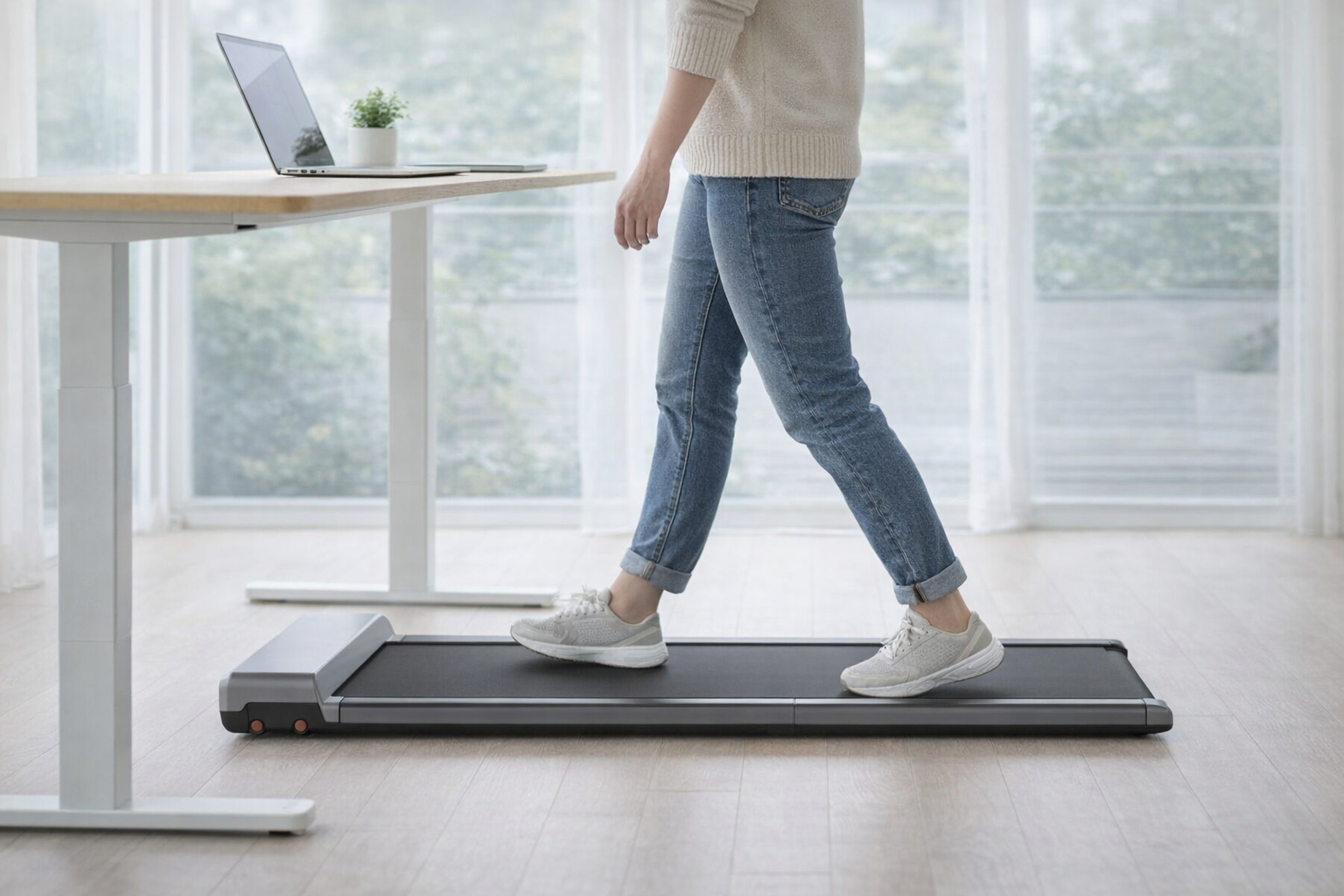
A walking pad is the cheapest way to add thousands of steps to a day spent at a desk, and the 2026 crop is quieter, flatter and better built than the wobbly slabs that kicked off the trend. The pads that matter for working from home share a profile: a belt long enough to walk on naturally, a motor calm enough to survive a video call, and a body that either folds in half or slides out of sight when the laptop closes.
The choices come down to two tradeoffs. The pads that fold smallest also have the shortest belts and the lowest speed caps, so a slide-under-the-couch design costs you stride room. And the moment you add incline, the deck gets taller and the fold-in-half trick usually disappears. There is a third catch nobody markets: your walking pad and your step tracker have a messier relationship than the box suggests, which changes how you should read the numbers on either screen. If you are still choosing the wrist half of that equation, our guide to the best step counter watches for 2026 is the companion piece to this one.
How Walking Pads and Your Step Tracker Actually Work Together
Every pad here logs distance, time and an estimated calorie count in its own app, whether that is KS Fit, UREVO's app, Egofit's, or LifeSpan Fit. The good news for 2026 is that most of those apps now offer Apple Health or Google Fit sync: KS Fit pushes to both, UREVO's app markets Apple Health and Google Fit sync, Egofit's companion app feeds Apple Health, and LifeSpan Fit reaches Apple Health, Google Fit and Strava. What almost none of them do is reach Garmin Connect or write cleanly to Fitbit, and the sync that exists is usually a one-way daily summary rather than a live step feed.
That "sync" also comes with two traps. The first is double-counting. If both your pad's app and your watch write to Apple Health, or if you manually add the pad's step total to what your watch already logged, you inflate your day. Pick one source of truth and let the other be a reference; for most people the wrist device should win, because it also captures every step you take away from the pad. The second trap is that the sync is not always real. DeerRun's PitPat app advertises Apple Health sync, for example, but it fails often enough in practice that you should not count on it.
Then there is the accuracy problem that no sync fixes. A wrist tracker counts steps mainly from arm swing, and desk walking suppresses arm swing badly. If you are typing, holding a mug, or resting a hand on a standing desk, the watch sees a still arm and quietly undercounts. The fix is to stop relying on passive step detection: start an indoor walk or treadmill workout on your watch before you step on. In workout mode, Apple Watch, Fitbit and Garmin lean on pace, cadence and heart rate instead of pure arm motion, which closes most of the gap. It is also why calorie figures diverge between the pad and the watch, and why neither is gospel; our breakdown of how accurate Apple Watch calorie estimates really are applies directly to treadmill walking. Whoop users get steps too now, which we cover in does Whoop track steps, though Whoop counts from the wrist and inherits the same arm-swing blind spot. The practical rule across every setup: choose one source of truth, use workout mode, and treat the pad's own numbers as a secondary estimate rather than steps to stack on top.
Our Top Picks
WalkingPad P1 – Best Overall
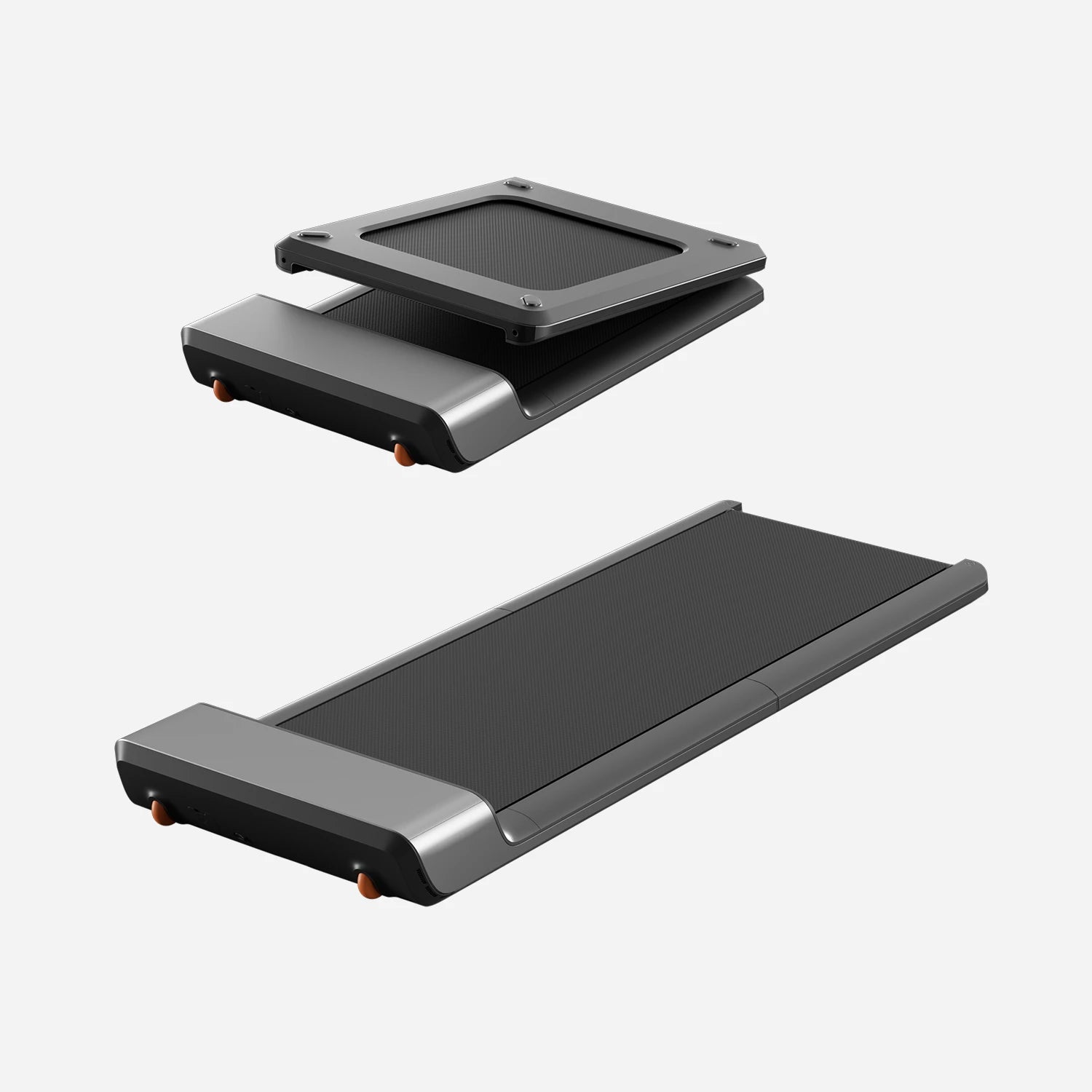
The P1 is the pad we would point most work-from-home walkers to first. It folds in half to a 32.5-inch footprint, weighs a manageable 62 pounds, and runs quiet enough that a caller will not hear it at 2 mph. The 47-inch belt is long enough for a natural stride, FootSense auto-speed lets you drift faster or slower without touching a remote, and the KS Fit app pushes your totals to Apple Health and Google Fit. Price: ~$399. It is ideal for anyone who wants the pad gone at 5 p.m. and stored under a couch. The honest caveat: it caps at 3.75 mph and 220 pounds, so it is a walker, not a jogger.
DeerRun Q2 Urban – Best Budget
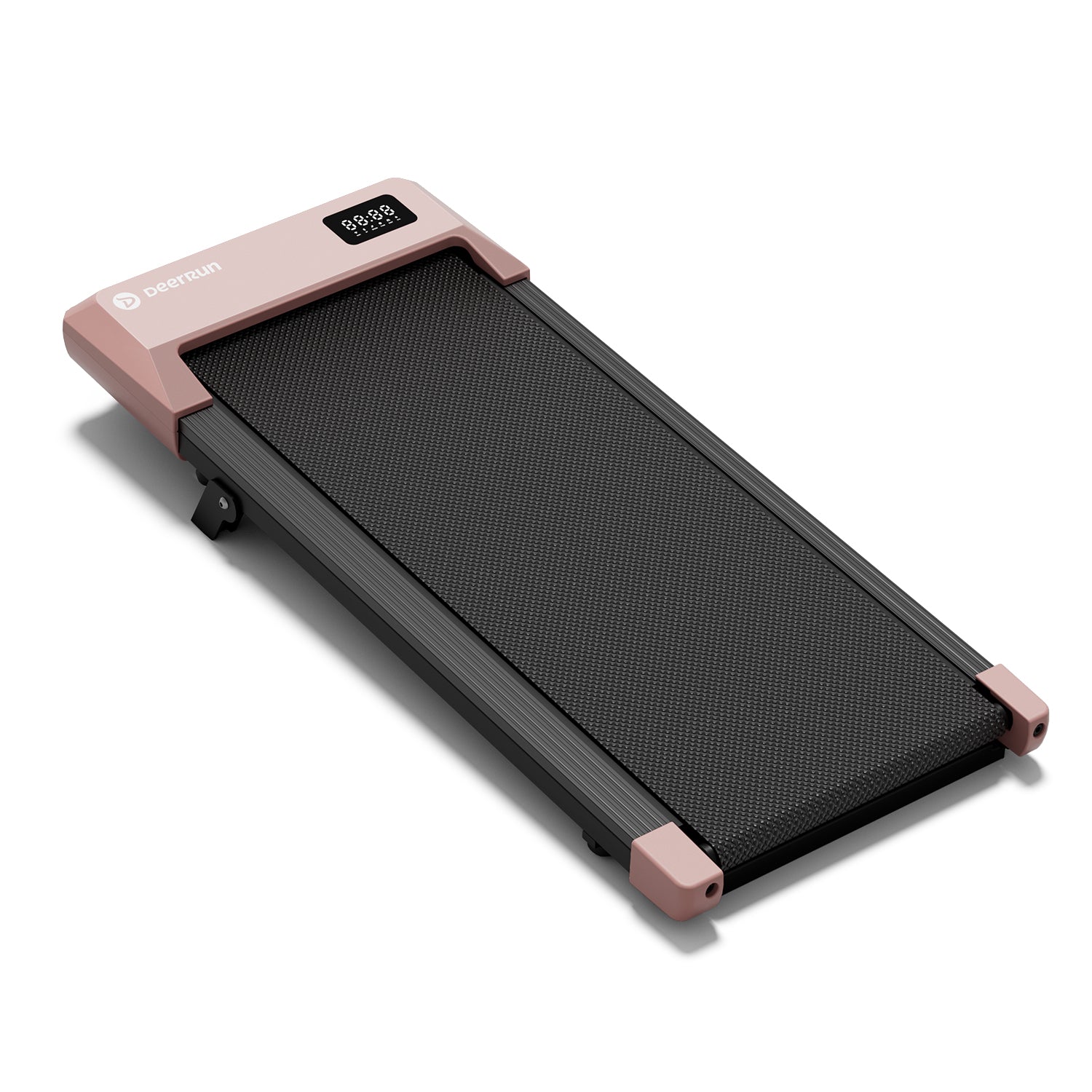
At roughly $129 to $169 depending on the sale, the Q2 Urban does things pricier pads skip. It brings a fixed 7% incline, a genuinely high 300-pound capacity, and a sub-4-inch profile, all with a brushless motor quiet enough for calls. Price: ~$129–$169. It suits a first-time buyer or anyone testing whether the walking-desk habit sticks before spending more. The caveat: it does not fold in half, the incline mechanism makes it sit taller, so check clearance if your standing desk is already near its maximum height, and its PitPat app advertises Apple Health sync that is unreliable in practice, so lean on your watch for step credit.
UREVO Strol 2E – Best 2-in-1 with Handrail
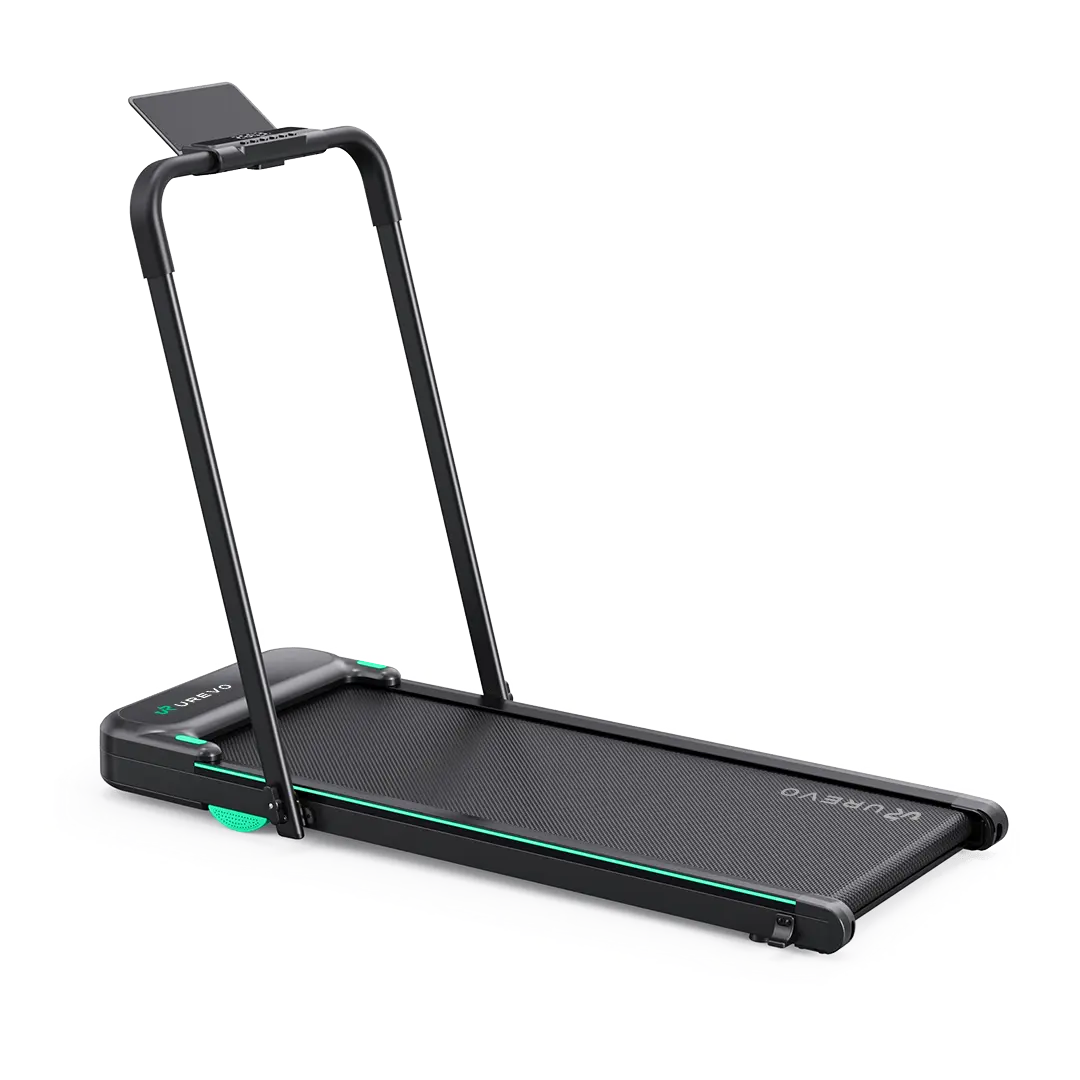
When one machine has to cover both desk pacing and cardio days, the Strol 2E is the value leader. Fold the handrail down and it is a 4-inch-tall under-desk walker; raise it and it becomes a 6.2 mph jogging treadmill, all on a frame that folds nearly flat and holds 265 pounds. Its app offers Apple Health and Google Fit sync, and it undercuts most 2-in-1 rivals. Price: ~$289. It is the pick for a small apartment that cannot fit two machines. The caveat: there is no incline, and the handrail, while it folds, adds a little bulk that pure pads avoid.
Egofit Walker Pro M1 – Best Ultra-Compact for Standing Desks
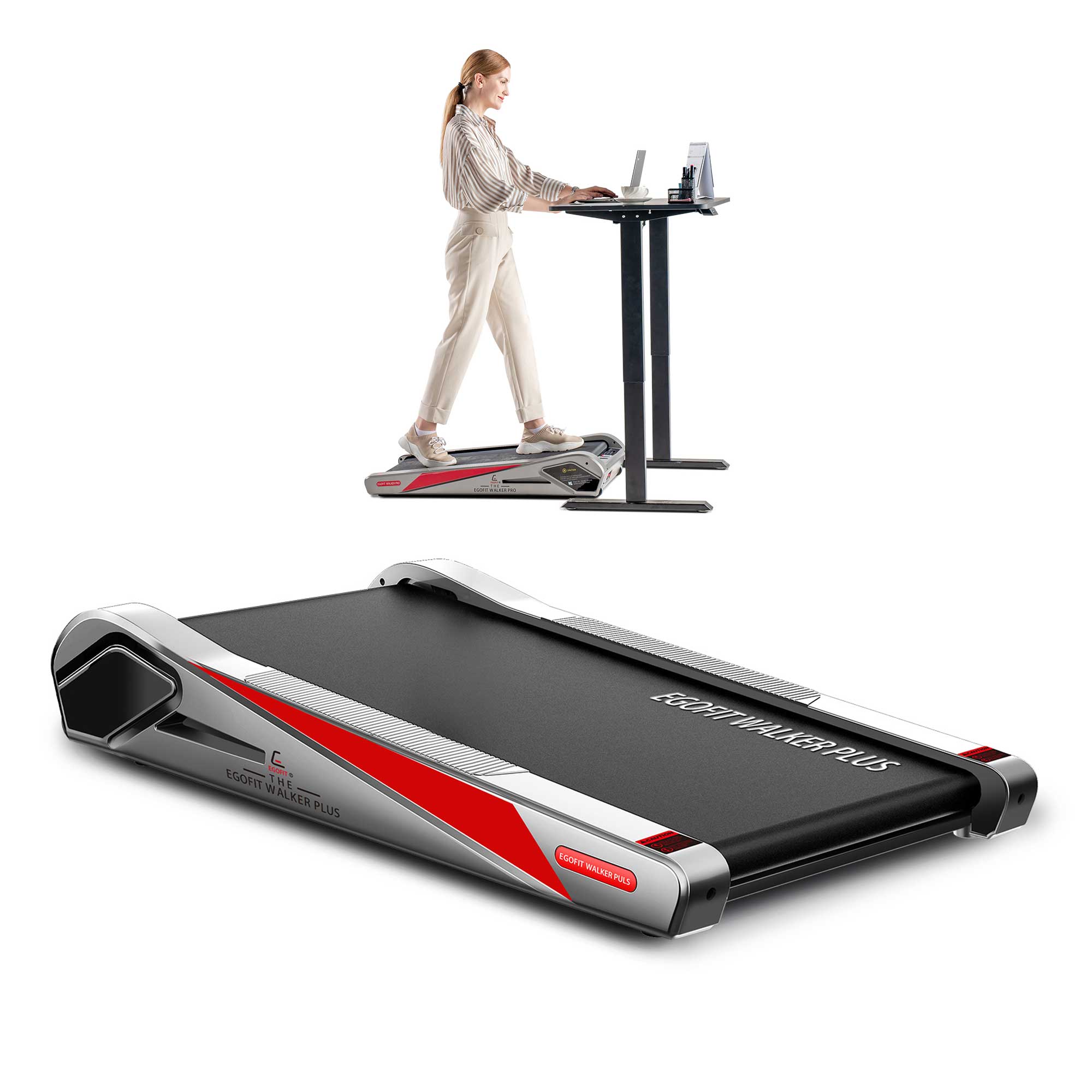
The Walker Pro M1 is built for a tight standing-desk nook. A sinking-motor design shrinks the whole unit to about 38 inches long, and a fixed 5% incline adds intensity without extra speed, which is exactly what all-day pacing wants. Its companion app can feed Apple Health and Fitbit, a rarity at this size. Price: ~$399. It is the answer for the smallest spaces and for walkers who prize a low speed with a real grade. The caveat: the 34-inch walking area is short and the 3.11 mph ceiling is low, so taller strollers and anyone wanting a brisk pace should look elsewhere.
UREVO SpaceWalk 3S – Best with Auto-Incline
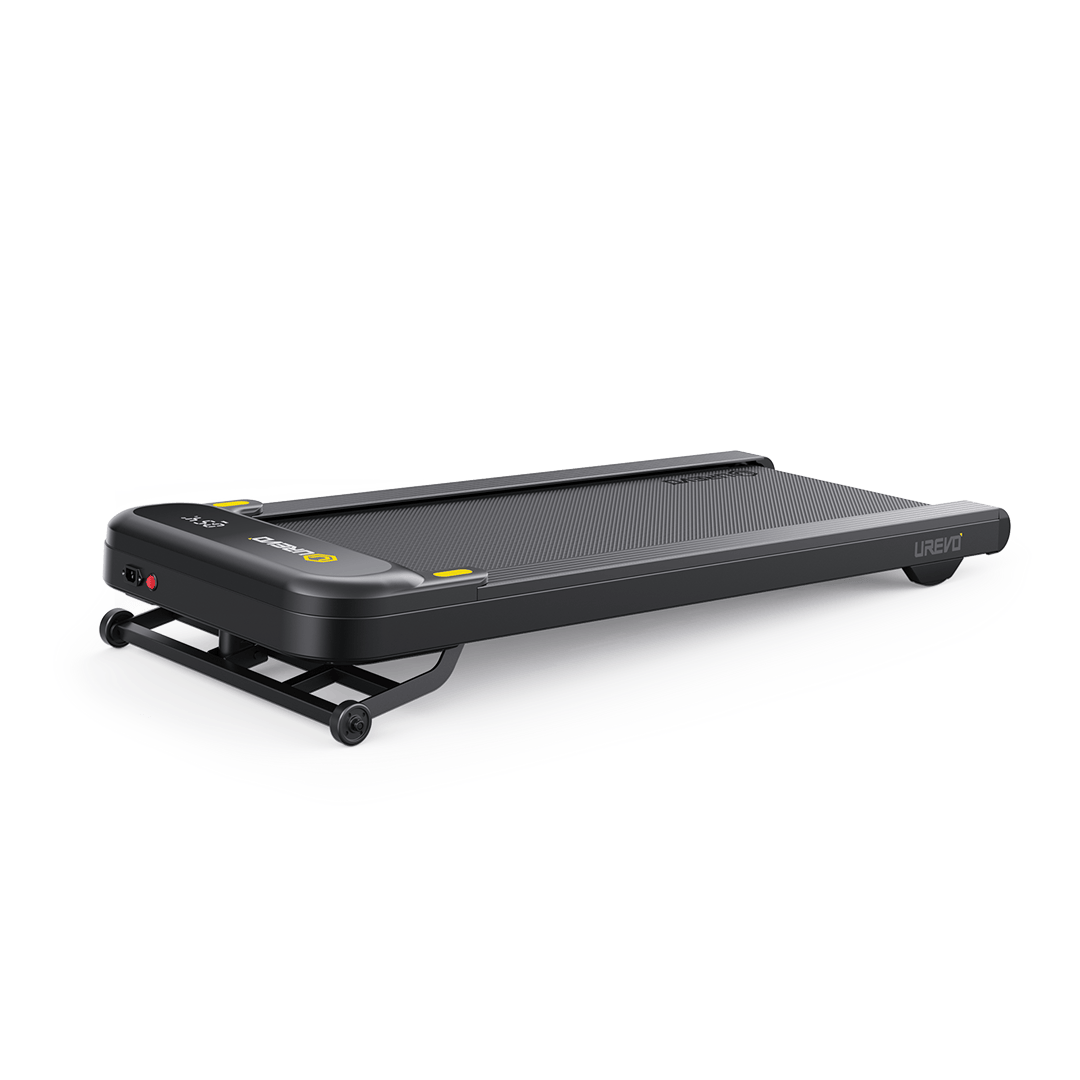
The 3S adds the feature most flat pads omit: a powered 0-9% incline across nine auto-adjusting levels, driven by a stout 2.5 HP brushless motor and rated to 265 pounds. Its app carries the same Apple Health and Google Fit sync as the rest of UREVO's line. Price: ~$349. It is the pick for someone who wants to raise calorie burn at a walking pace rather than by running, without paying commercial-treadmill money. The caveat: it is a fixed-frame pad that rolls aside rather than folding in half, so plan storage accordingly, and there is no path to Garmin Connect if that is your ecosystem.
LifeSpan TR1200Pro-GlowUp – Best Premium (Best Health-App Sync)
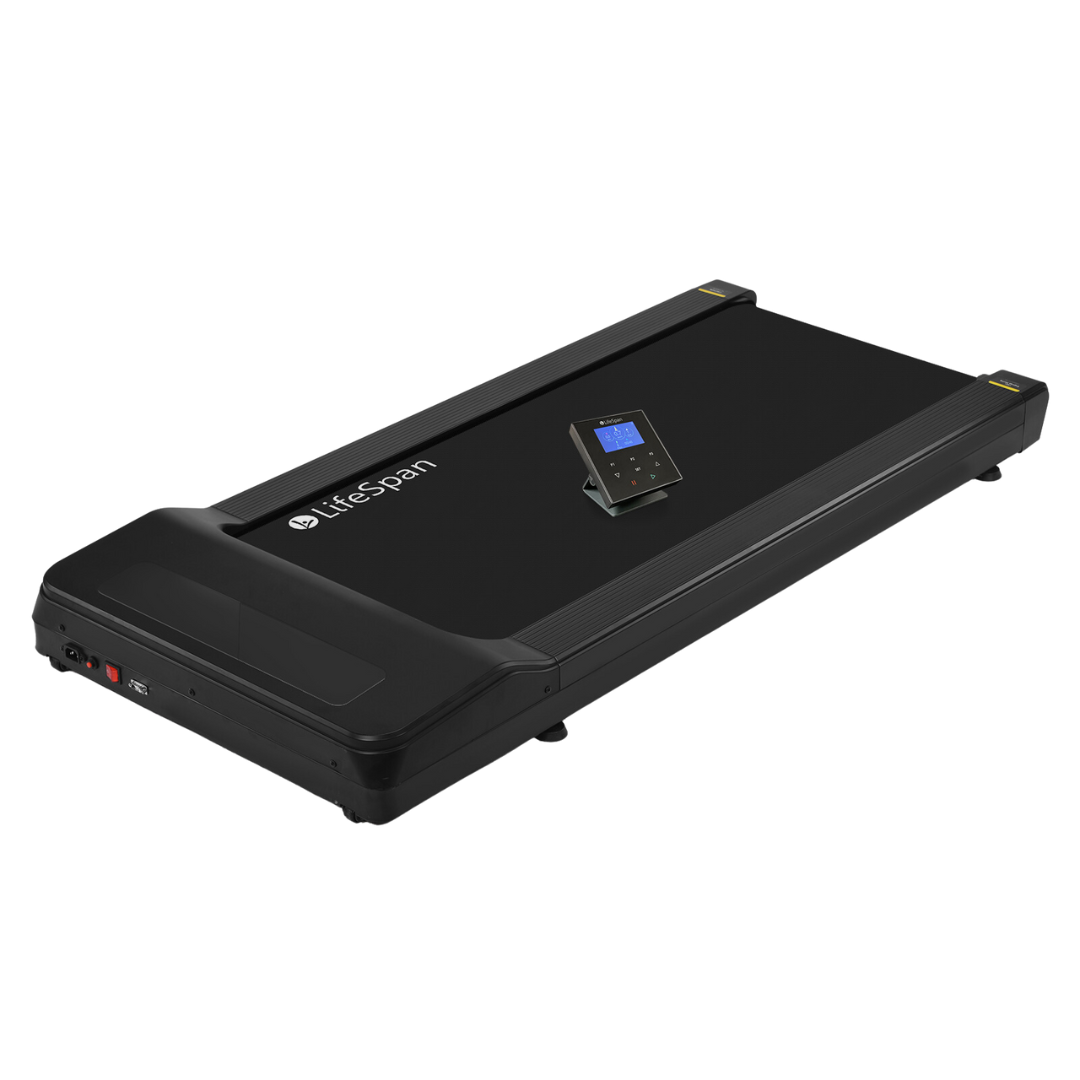
If you walk while working every single day, the TR1200Pro-GlowUp is the durability and integration splurge. Its 3.5 HP brushless motor and 330-pound capacity are built for hours of use on a roomy 20-by-48-inch belt, and it has the most complete sync story here: the LifeSpan Fit app pushes steps, distance and calories to Apple Health and Google Fit, and now to Strava as well. Onboard Intelli-Step tracking even counts your walking before your watch does. Price: ~$1,299. A low 4.6-inch step-up height tucks it under a standing desk for people who treat this as permanent office furniture. The caveat is blunt: it costs several times what a capable KingSmith or UREVO does, and it does not fold in half – it rolls aside on wheels instead.
How We Chose
We weighed the things that decide whether a pad gets used daily or ends up under the bed. Footprint and fold-flat storage came first, because a pad that cannot disappear rarely earns its keep in a home office. Then motor quality and quiet operation, since a durable motor that stays under conversational volume is what makes desk-and-call multitasking possible. We looked hard at deck length and belt cushioning, the two specs that separate a natural stride from a cramped shuffle, and at weight capacity, where the cheap pads cluster at a limiting 220 pounds while the best reach 265 to 350. App usefulness and step-tracker interplay mattered throughout: we rewarded pads whose sync is honest and dependable and flagged the ones whose health-app integration looks better on the box than on your phone. Finally, value, judged against the pads that have earned lasting trust rather than the flood of no-name listings.
Who Should Buy What
The mainstream WFH walker who wants a quiet pad that folds away should buy the WalkingPad P1. The first-timer or budget shopper who still wants incline and a high weight limit should buy the DeerRun Q2 Urban. Someone in a small apartment who needs both a walking pad and an occasional jogger should buy the UREVO Strol 2E. If your only floor space is a standing-desk nook, the ultra-short Egofit Walker Pro M1 fits where others will not. Fitness-minded walkers who want to raise intensity without running should buy the UREVO SpaceWalk 3S for its powered incline. And the daily, all-day user who wants commercial-grade longevity and the cleanest health-app sync should invest in the LifeSpan TR1200Pro-GlowUp. Whichever pad you pick, the wrist tracker doing the crediting matters just as much; our roundup of the best fitness trackers for 2026 and our Fitbit Charge 6 review cover the strongest step-counting partners.
What To Avoid
Be skeptical of ultra-cheap, no-name pads under about $130. The category is full of rebranded listings with weak motors, narrow belts and safety keys that stop the belt abruptly enough to pitch you forward; belt tears and shoddy build quality are common failure points at the bottom of the market. Second, discount the headline speed numbers. Many pads advertise a top speed you would never actually use at a desk, and a pad rated to 6 mph on paper often feels unstable well below that; buy for the 1.5 to 3 mph range you will really walk. Third, and most important for a wearables audience: do not trust a pad's health-app sync just because the box promises it. Some sync only a one-way daily summary, some skip Garmin and Fitbit entirely, and some, like DeerRun's PitPat, advertise Apple Health support that frequently does not work. Pick one source of truth, usually your wrist, and treat the pad's totals as a backup so you never double-count your day.