
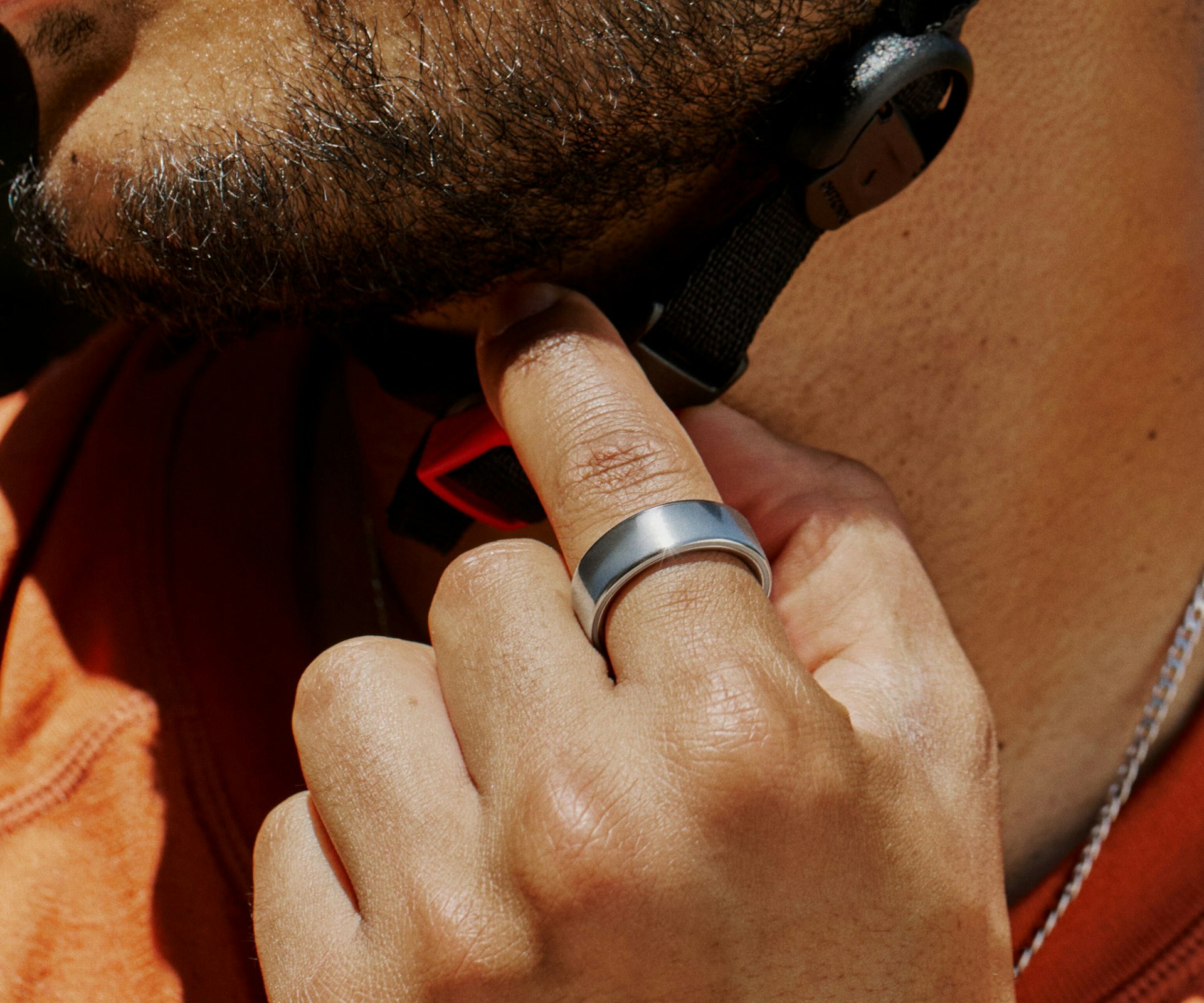
Yes, the Oura Ring tracks workouts – but the honest answer comes with a few big asterisks. It detects your run, logs your heart rate and zones, counts your active calories, and feeds all of it into your recovery picture. What it won't do is show you your pace mid-run, map your route, or give you a single number to glance at while you're actually sweating.
That tension is the whole story. Oura is a sleep-and-recovery ring that happens to handle workouts competently – not a training computer for your finger. Knowing exactly where that line sits is the difference between loving the ring and feeling let down by it.
The Short Answer
Does the Oura Ring track workouts? Yes – it captures heart rate, heart rate zones, duration, and estimated calories, then uses that data to inform your Activity Score, Readiness Score, and Daytime Stress. The Oura Ring 4 reads heart rate more reliably than the older Gen 3, and everything here applies across the Oura Ring 3, Ring 4, and the newer Ring 5 – they share the same workout-tracking framework.
What it can't do is replace a GPS sports watch. There's no onboard GPS, no display, and no live heart rate streamed from the ring itself. If you want real-time pace, distance, and route mapping during a workout, Oura alone won't get you there – though it pairs neatly with a watch that does.
How Oura Tracks Workouts
Your workout data reaches the app in three ways.
1. Automatic Activity Detection
You don't have to lift a finger. Wear the ring during exercise and Oura recognizes the movement pattern, then prompts you afterward to confirm what you did. It covers 40-plus activities – including lower-motion sessions like yoga and pilates – and automatically captures your average heart rate and time in each zone. Activities generally need to run at least 10 minutes to register, and you can confirm, edit, or dismiss anything it flags.
2. Live Activity Tracking (Manual Sessions)
When you want to mark a workout deliberately, you start a session in the app before you begin. On Gen3 rings and newer – the Ring 4 and the new Ring 5 – this is called Live Activity Tracking, and it shows elapsed time plus live pace and distance for outdoor activities using your phone's GPS.
Here's the catch most people miss: the ring does not stream live heart rate to your phone's screen. For a real-time heart-rate readout during the session, you pair a third-party Bluetooth monitor – a chest strap or compatible earbuds. Without one, your heart rate is still recorded and shows up in the post-workout summary; you just won't watch it update live. And because this mode leans on your phone's GPS and Bluetooth, you'll need your phone with you.
3. Manual Tagging and Imports
You can add any activity by hand – type, duration, and intensity – for the current day or a past one. Oura also imports workouts from Apple Health and Health Connect on Android, and it syncs with Strava, which is the key to the best setup we'll get to below.
What Oura Measures During a Workout
Once a session is logged, Oura captures the metrics that matter for effort and recovery:
- Heart rate – continuous tracking, more reliable on the Ring 4 and Ring 5 than on the Gen 3.
- Heart rate zones – your time across six zones, charted after the activity.
- Duration and active calories – how long you moved and the energy you burned above baseline.
- Recovery context – this is where Oura shines. Hard sessions register in your Daytime Stress, count toward your Activity Score, and influence the next morning's Readiness Score.
The point isn't to coach you through the workout – it's to tell you what the workout cost you, and whether you've recovered enough to do it again.
What the Oura Ring Can't Do
Being upfront about the limits is the only fair way to answer this question.
- No built-in GPS. The ring has no GPS chip. Any pace, distance, or route comes from your phone during a live session or from an imported activity – never from the ring itself.
- No display, no live glance. There's no screen, so you can't flick your wrist to check heart rate or splits. Real-time numbers live on your phone, not your hand.
- No maps or route tracking from the ring. Route data depends entirely on phone GPS or a synced third-party device.
- Optical HR struggles at high intensity. A finger reading holds up well for steady-state and lower-impact work, but during sprints, heavy lifting, or high-impact movement it's less reliable than a chest strap or a strong wrist-based watch. That's a physics limitation of finger-based optical sensing, not a software bug.
- Limited live HR without extra gear. As noted, live heart rate during a session requires a paired Bluetooth monitor – the ring won't stream it solo.
- You usually need your phone. Live tracking depends on your phone being nearby for GPS and Bluetooth.
None of this is a knock on what Oura is. It's just not built to be the thing some shoppers assume it is.
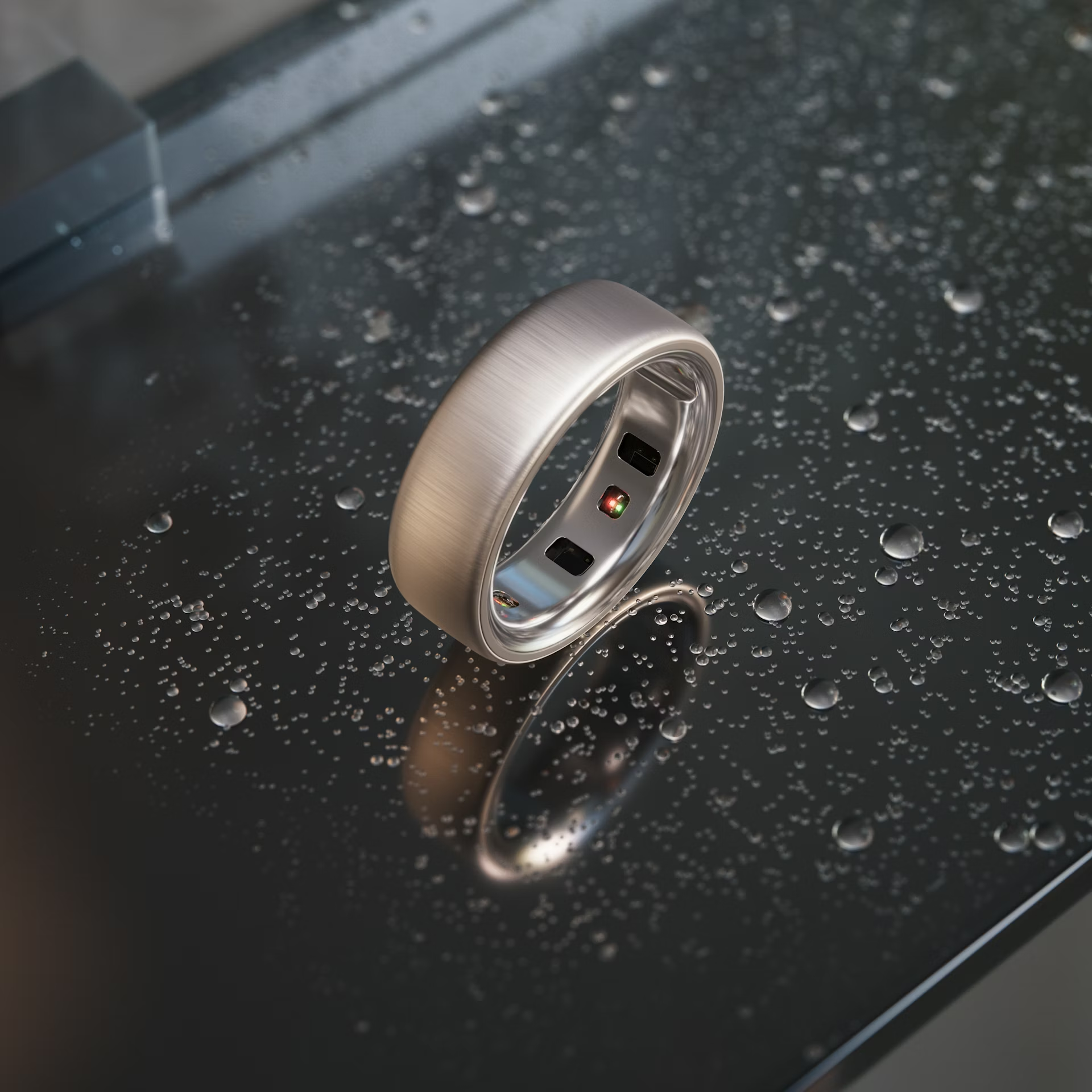
How to Track a Workout With Your Oura Ring
To start a live session manually:
- Open the Oura app and go to the Today tab.
- Tap the + button in the bottom right.
- Select Start live activity.
- Choose your activity type.
- Pick a heart rate source – the ring (post-activity summary only) or a paired Bluetooth monitor (for live heart rate).
- Enable location/GPS if you want live pace and distance outdoors.
- Start moving, then end the session when you're done to save it.
To confirm an auto-detected workout:
- After exercising, open the app and check the Today tab for a detected activity.
- Tap the prompt to review it.
- Confirm the activity type – or correct it – then save. Adjust the intensity or remove it entirely if Oura got it wrong.
Both paths land the same data in your trends. The manual route just adds live feedback and a cleaner record for the sessions you care about.
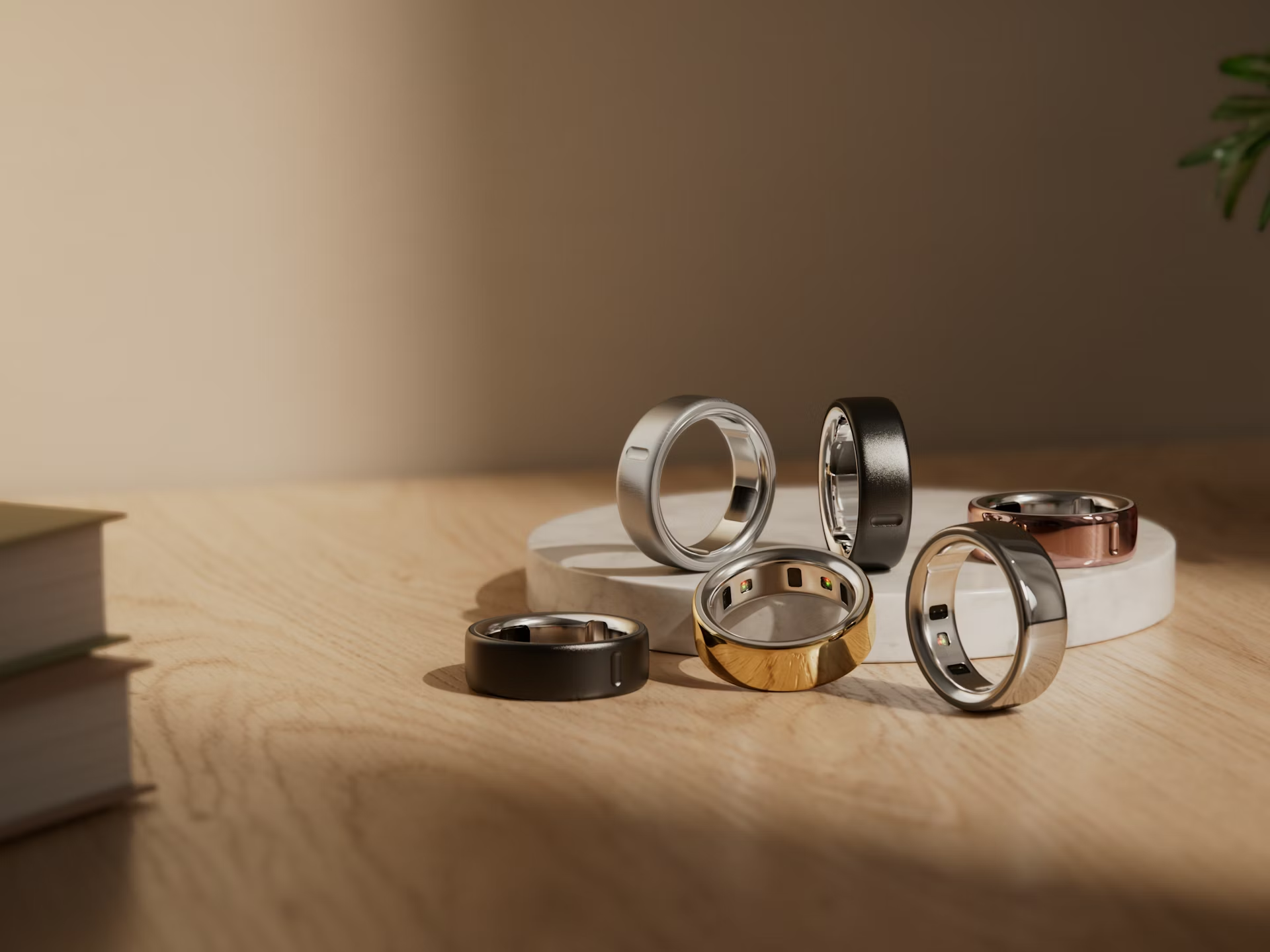
Oura vs a Sports Watch: Which Do You Need?
Choose based on what you actually want out of a workout.
Pick Oura if you train casually, care most about recovery and strain context, and want a device you'll forget you're wearing – including overnight, where the ring's multi-day battery life beats any smartwatch. The ring tells you whether to push or back off, which is exactly what most people training for general health need.
Pick a sports watch if you run, ride, or race and need on-wrist GPS, pace, distance, route maps, and structured guidance in real time. Our Apple Watch Series 11 vs Oura Ring 4 comparison breaks that tradeoff down in detail, and if strain-focused training is your priority, the Whoop 5.0 vs Oura Ring 4 matchup is worth a look too.
The best answer is often both. Wear a GPS watch for the workout itself, then let that session flow into Oura through Apple Health or Health Connect. You get accurate pace and distance from the watch and Oura's superior recovery intelligence on top – the combination covers the ring's gaps cleanly.
The Bottom Line
So, does the Oura Ring track workouts? Yes – and it handles the recovery side better than almost anything you can wear. It logs heart rate, zones, duration, and calories, then turns that effort into readiness and strain insight you'll actually use. Just remember it's a sleep-and-recovery ring first: no GPS, no screen, and weaker optical heart rate when intensity spikes.
For most people who exercise to stay healthy, that's plenty – especially paired with a GPS watch for the days distance and pace matter. If you're choosing between models, our Oura Ring 3 vs Ring 4 comparison covers which one fits your routine. Just budget for the membership: most of Oura's insights, including your scores and trends, sit behind a subscription of about $5.99 per month.