

Xreal has a problem, and it is entirely self-inflicted. The company's $449 Xreal 1S delivers sharper, more consistent image quality than its own $649 One Pro flagship – the device that was supposed to be the best AR display glasses money could buy. When a company's budget option embarrasses its premium one, something interesting is happening. If you have been waiting for AR display glasses to hit the right balance of quality and price, the 1S is the product that gets there.
The 1S does not try to do everything. It is not a standalone headset, it is not a Meta Ray-Ban competitor, and it will not replace your monitor for a full day of coding. The field of view is narrower than the One Pro's, the audio is weak, and ambient light reflections remain unsolved. What it does – project a massive, vivid virtual screen in front of your eyes with rock-solid head tracking – it does better than anything else in its class.
Design and Build
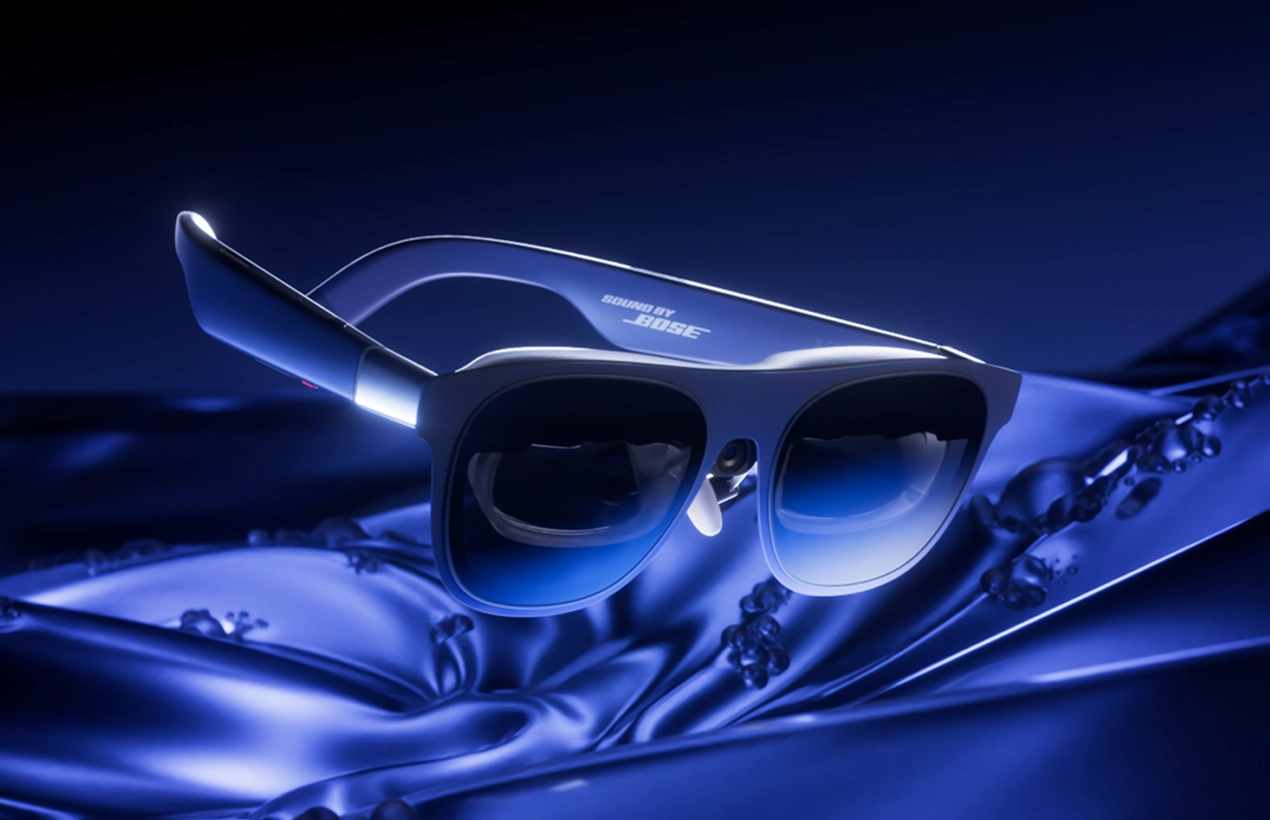
The Xreal 1S weighs roughly 82 grams. That number matters because everything in the AR glasses space is a trade-off between capability and comfort, and the 1S lands in a genuinely wearable zone. For context, the One Pro comes in at 87 grams, and full VR headsets like the Meta Quest 3 tip the scales above 500 grams. The difference between 82 grams and even 100 grams becomes obvious after 30 minutes of wear.
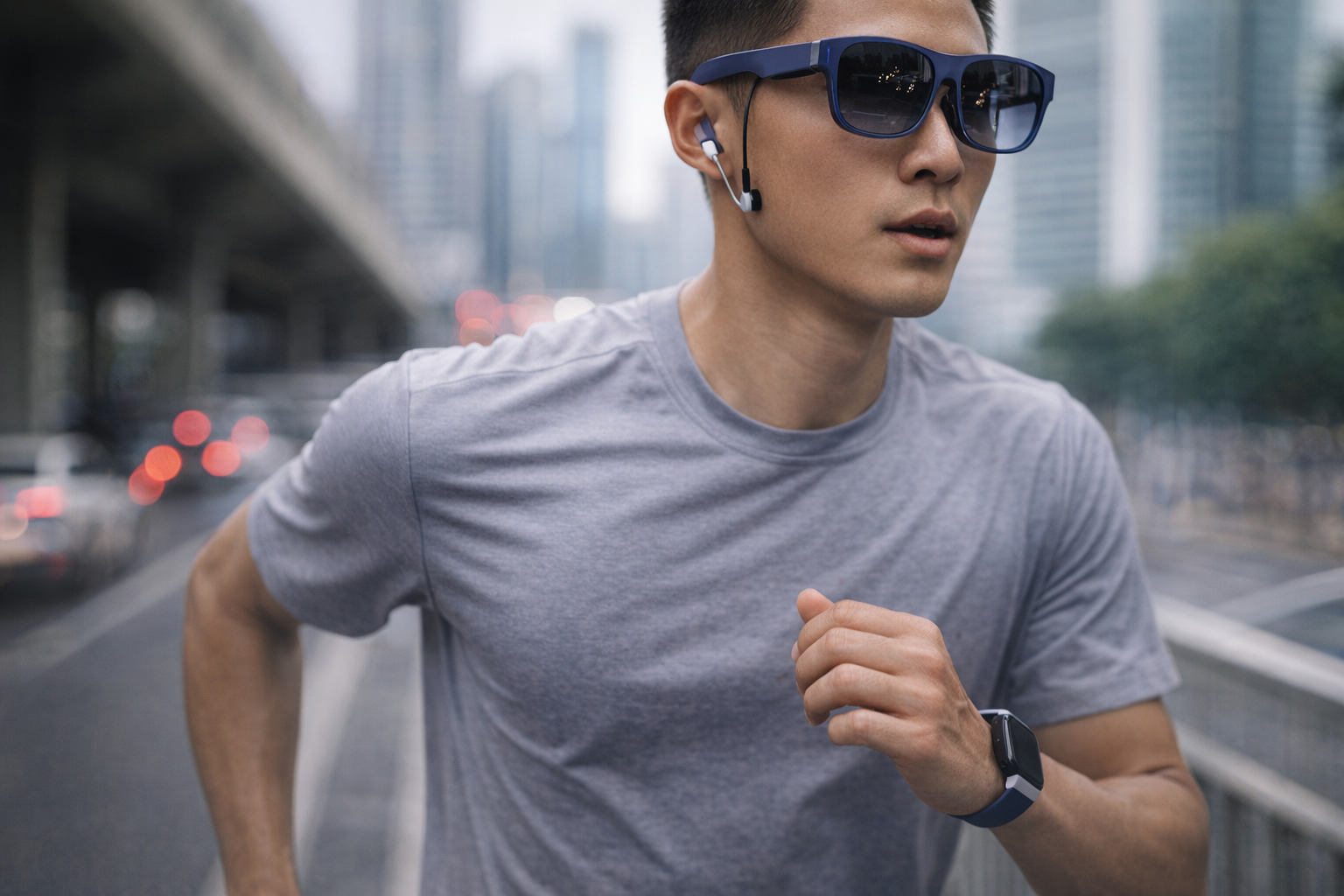
The frame uses Xreal's birdbath optical design, which results in a slightly thicker profile than the One Pro's newer X-Prism optics. The 1S looks like a pair of oversized sport sunglasses rather than regular eyewear – functional, not fashionable. Nobody will mistake these for everyday shades, but they also will not draw stares on a plane or in a coffee shop the way a bulky headset would.
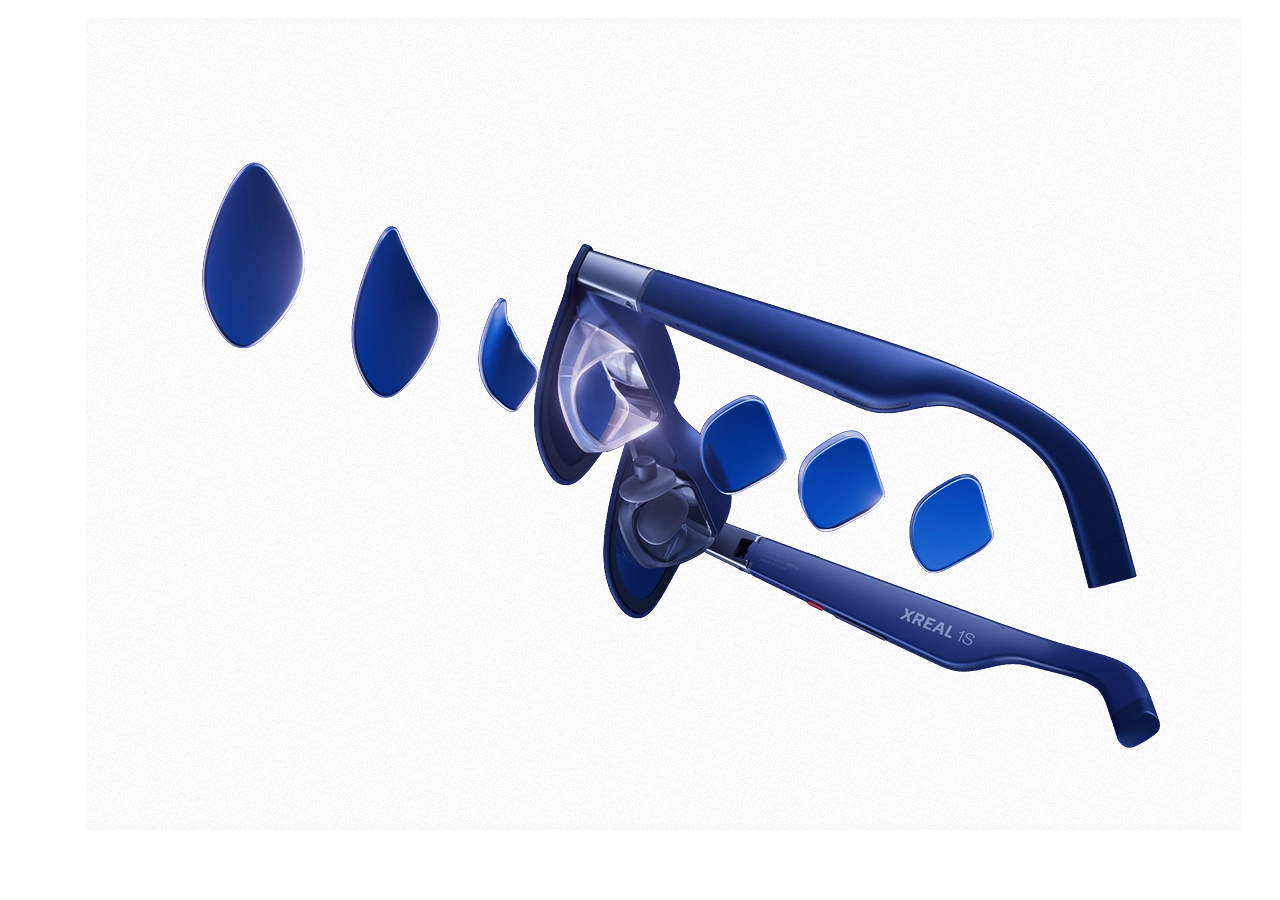
Three interchangeable nose pad sizes (small, medium, large) allow for fit customization, and the temple arms distribute weight evenly enough to avoid the pressure-point fatigue that plagues many competitors. Hour-long sessions are comfortable. Two-hour sessions are manageable. Beyond that, most people will want a break – which is typical for any face-worn display.
There is no built-in diopter adjustment. Prescription wearers need to purchase magnetic lens inserts separately through Xreal's store, starting around $50 for standard lenses and climbing higher for premium options. The extra purchase and wait time is a friction point worth noting.
Display and Optics
This is where the 1S earns its keep – and where it embarrasses its more expensive sibling.
Each eye gets a Sony Micro-OLED panel running at 1920x1200 resolution in a 16:10 aspect ratio. That is 1200p per eye, compared to the One Pro's 1920x1080 (1080p) at 16:9. The extra vertical pixels are not just a spec-sheet number; they translate to a noticeably taller image that fills more of your field of vision and eliminates the black bars that appear on 16:9 displays when viewing 16:10 content from devices like the Steam Deck.
Peak brightness hits 700 nits, matching the One Pro and representing a meaningful upgrade over the Xreal One's 600 nits. Indoor viewing is vivid and punchy, with deep blacks that benefit from the OLED pixel-level dimming. Outdoor use is workable in shade but struggles under direct sunlight unless the included light-blocking cover is attached.
The 52-degree field of view falls short of the One Pro's 57 degrees, and on paper, that five-degree gap matters. In practice, the gap narrows considerably. The 1S's birdbath optics deliver edge-to-edge clarity with minimal distortion and color fringing, while the One Pro's wider prism-based FoV suffers from noticeable edge blur and chromatic aberration at the periphery. The usable, sharp viewing area on the 1S is remarkably close to – and arguably cleaner than – what the One Pro provides.
The X1 chip drives head tracking at 120Hz with a 3-millisecond motion-to-photon latency. This is the same silicon found in the One Pro, and the result is identical: smooth, stable 3DoF tracking that locks the virtual screen in space as your head moves. There is zero rubber-banding, zero drift. It is the single most important upgrade Xreal introduced with the One series, and it remains the feature that most clearly separates Xreal from competitors like the Viture Beast, which has struggled with tracking drift.
The Real 3D feature – Xreal's AI-powered 2D-to-3D conversion – is the 1S's party trick, but it comes with a significant catch: frame rate drops to 30fps with visible jitter. Any 2D content, whether a movie, a game, or a YouTube video, gets converted into a stereoscopic 3D image in real time. The effect is subtle rather than aggressive, closer to a theatrical 3D presentation than a theme-park ride, and it genuinely adds depth and presence to the viewing experience. For cinematic content at 24fps source material, the compromise is acceptable. For gaming, the frame rate penalty makes Real 3D impractical during active play.
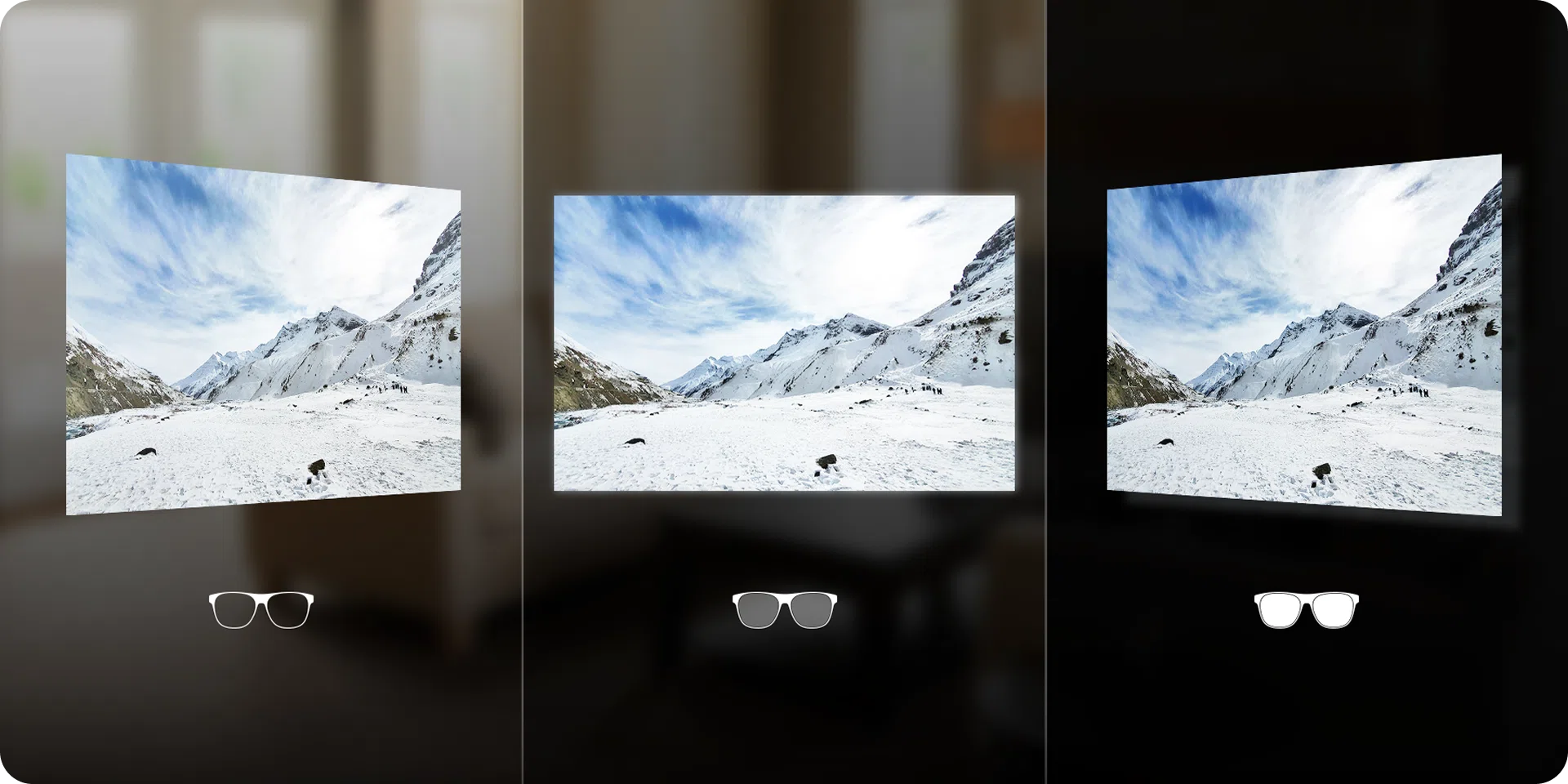
One persistent annoyance: internal reflections from ambient light entering the top of the frame. Xreal has not solved this across any of its glasses, and in bright environments, a faint ghost of the room above appears in the upper portion of the display. The light-blocking cover mitigates this but sacrifices the see-through passthrough that many users value.
Performance and Features
The Xreal 1S is a tethered display. It connects via USB-C to a source device – phone, laptop, tablet, Steam Deck, ROG Ally, or any USB-C device with DisplayPort output – and draws both its video signal and power through that single cable. There is no standalone mode, no onboard storage, no Wi-Fi, no apps.
This simplicity is a strength. Setup consists of plugging in a cable. The glasses power on automatically, detect the source device, and begin displaying within seconds. No pairing, no Bluetooth configuration, no companion app required for basic operation.
Five viewing modes provide flexibility:
- 0DoF Follow Mode: The screen moves with your head, like a TV strapped to your face. Best for quick glances.
- 3DoF Anchor Mode: The screen stays locked in virtual space. Turn your head, and the screen stays put. This is the primary mode for movies and gaming.
- Ultrawide Mode: Stretches the display to 32:9 or 21:9 for a panoramic multi-window experience.
- Real 3D Mode: The AI-driven 2D-to-3D conversion described above.
- Side-View Mode: A smaller, semi-transparent overlay that allows partial awareness of the real world.
Device compatibility is broad. iPhone 15 and newer (USB-C models) work natively. Most modern Android phones with USB-C DisplayPort output connect without issues. Mac and Windows laptops work seamlessly. The Steam Deck is a particularly strong pairing, outputting at the glasses' native 1200p resolution.
The notable exception is the Nintendo Switch, which requires the optional Xreal Neo hub ($99 at early-bird pricing, $119 after) to convert its video output. The Neo hub doubles as a 10,000mAh battery pack, which adds useful runtime to handheld gaming sessions but also adds another accessory to carry.
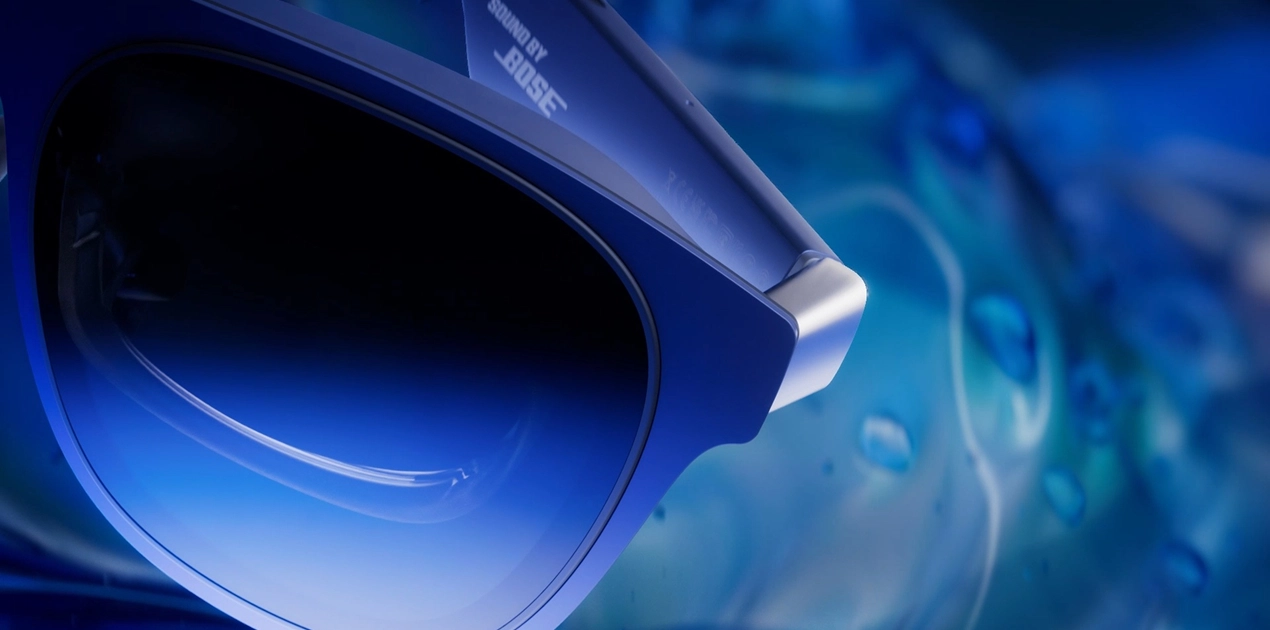
Audio comes from open-ear speakers tuned by Bose (branded "Sound by Bose") integrated into the temple arms. Dialogue clarity is solid for casual viewing, and the spatial sound processing creates a reasonable sense of width. But the audio has real limits: bass response is thin, volume maxes out below what is needed in noisy environments like aircraft cabins, and sound leaks noticeably to anyone within arm's reach. For serious listening – a movie on a flight, a game session in a shared space – Bluetooth earbuds or wired headphones remain the better option.
Battery Life
The Xreal 1S has no internal battery. Power comes entirely from the connected source device through the USB-C cable. This is standard practice for tethered AR display glasses and means there is no battery to manage, charge, or eventually degrade on the glasses themselves.
The impact on source-device battery life varies:
- Smartphones (iPhone/Android): Expect 4 to 6 hours of continuous use from a full charge under normal viewing conditions.
- Steam Deck / handheld consoles: 2 to 3 hours of active gaming, consistent with the devices' own battery characteristics.
- Laptops: Negligible impact relative to the laptop's overall battery capacity.
The Xreal Neo hub supplements this with its 10,000mAh battery, delivering pass-through charging to keep a connected phone or handheld console topped up during extended sessions. For travel scenarios where outlet access is limited, the Neo hub transforms the 1S from a battery-anxiety device into a genuinely all-day solution.
Who It Is For / Who Should Skip
Buy the Xreal 1S if you:
- Want a massive private screen for movies, shows, and gaming on the go
- Own a Steam Deck, ROG Ally, or other USB-C handheld and want the best portable display option
- Considered the Xreal One Pro but balked at the $649 price
- Travel frequently and want a screen that fits in a glasses case rather than a backpack
- Want to experiment with 3D content without investing in a full VR headset
Skip the Xreal 1S if you:
- Need a productivity tool for extended text-heavy work (coding, spreadsheets, long documents)
- Want true augmented reality with world-anchored digital objects and spatial awareness
- Refuse to be tethered to a source device
- Have an iPhone 14 or older (Lightning connector – no compatibility)
- Expect standalone operation or onboard apps
- Need premium audio without supplemental headphones
If you are looking for glasses that work as an always-on wearable rather than a tethered display, the Even Realities G1 takes a radically different approach with a lightweight everyday form factor. For help deciding between the growing number of options in this space, our best AR display glasses guide compares the top models head-to-head, and our broader best smart glasses roundup covers everything from display glasses to camera-equipped frames. Those exploring monitor replacement specifically should see our best smart glasses for monitor replacement guide.

The Verdict
The Xreal 1S makes the unusual case that less expensive can also mean better. Its 1200p display is sharper than the One Pro's 1080p. Its birdbath optics deliver cleaner edges than the One Pro's pricier prism design. Its 82-gram weight undercuts the One Pro by 5 grams. And it does all of this for $200 less.
The trade-offs are real but narrow. Five fewer degrees of field of view. A slightly bulkier frame. No hardware IPD adjustment. For the overwhelming majority of potential buyers – people who want a portable big-screen experience for entertainment and gaming – none of those compromises matter enough to justify the One Pro's premium.
Against the broader competitive field, the 1S also holds up well. The Viture Beast costs $100 more at $549 and has struggled with tracking stability. The RayNeo Air 3s offers higher brightness but does not match the X1 chip's tracking stability. No competitor matches the 1S's combination of image quality, tracking stability, device compatibility, and price.
The audio is the weakest link. The Real 3D feature is more proof-of-concept than daily driver. And these are still glasses that look like glasses from the future rather than the present.
But as a portable, plug-and-play virtual display, the Xreal 1S is the best option available in 2026.
Score: 81/100
| Category | Weight | Score | Weighted |
|---|---|---|---|
| Core Function (Display/Optics/AR) | 30% | 82 | 24.6 |
| Build Quality (Comfort/Style/Weight) | 15% | 78 | 11.7 |
| User Experience (Ease of Use/Compatibility) | 20% | 80 | 16.0 |
| Value (Price vs Features vs Competition) | 20% | 88 | 17.6 |
| Battery / Power Management | 15% | 75 | 11.25 |
| Total | 100% | 81.15 |