
The Short Answer: 5 to 8 Days, Depending on How You Use It
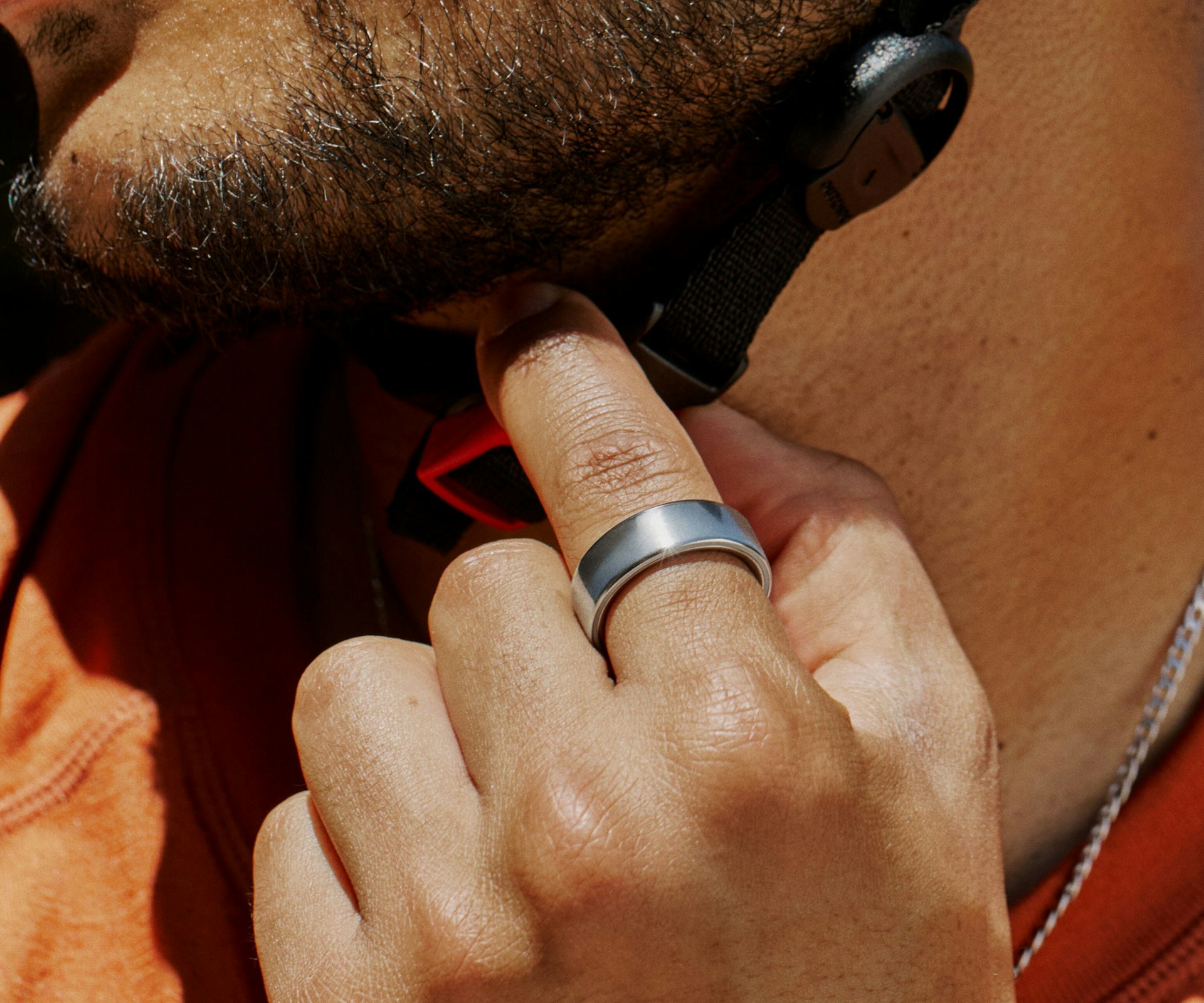
The Oura Ring 4 lasts 5 to 8 days on a single charge. The Oura Ring 3 (both Heritage and Horizon models) lasts 5 to 7 days. Those are Oura's official numbers – and they hold up reasonably well in practice, as long as you understand the fine print.
The official battery life estimates assume one hour of activity tracking per day, eight hours of sleep tracking per night, and Blood Oxygen Sensing (SpO2) turned off. Change any of those variables and the number shifts. Enable SpO2 monitoring and track two hours of exercise daily, and that 8-day ring becomes a 4-day ring. The range is real, but so is the gap between best-case and worst-case.
Oura Ring Battery Life by Generation
Oura Ring 4
Official claim: 5 to 8 days. Real-world average: 5 to 7 days with moderate feature use. With all features enabled – SpO2, extended workout tracking, frequent app syncing – expect closer to 4 to 5 days.
The Ring 4 uses a more power-efficient chipset than its predecessor, which is how Oura pushed the upper end to 8 days despite adding new sensors. Larger ring sizes (11 and above) house slightly bigger batteries and tend to land at the higher end of that range. Oura does not publish per-size battery capacities, but the difference between the smallest and largest sizes can translate to an extra day or more of use under identical conditions.
Oura Ring Gen 3 (Heritage and Horizon)
Official claim: up to 7 days. Real-world average: 4 to 6 days. The Heritage and Horizon models share the same battery capacity and internal sensors – both use a size-specific magnetic charging dock with a USB-C cable, though the dock design differs slightly between the two ring styles.
Gen 3 rings that are more than a year old tend to show noticeable degradation. By the 18- to 24-month mark, it is common to lose roughly one day of battery life compared to when the ring was new.
What Drains Oura Ring Battery Fastest
Not all features are created equal when it comes to power consumption. Here's what matters most, ranked by impact:
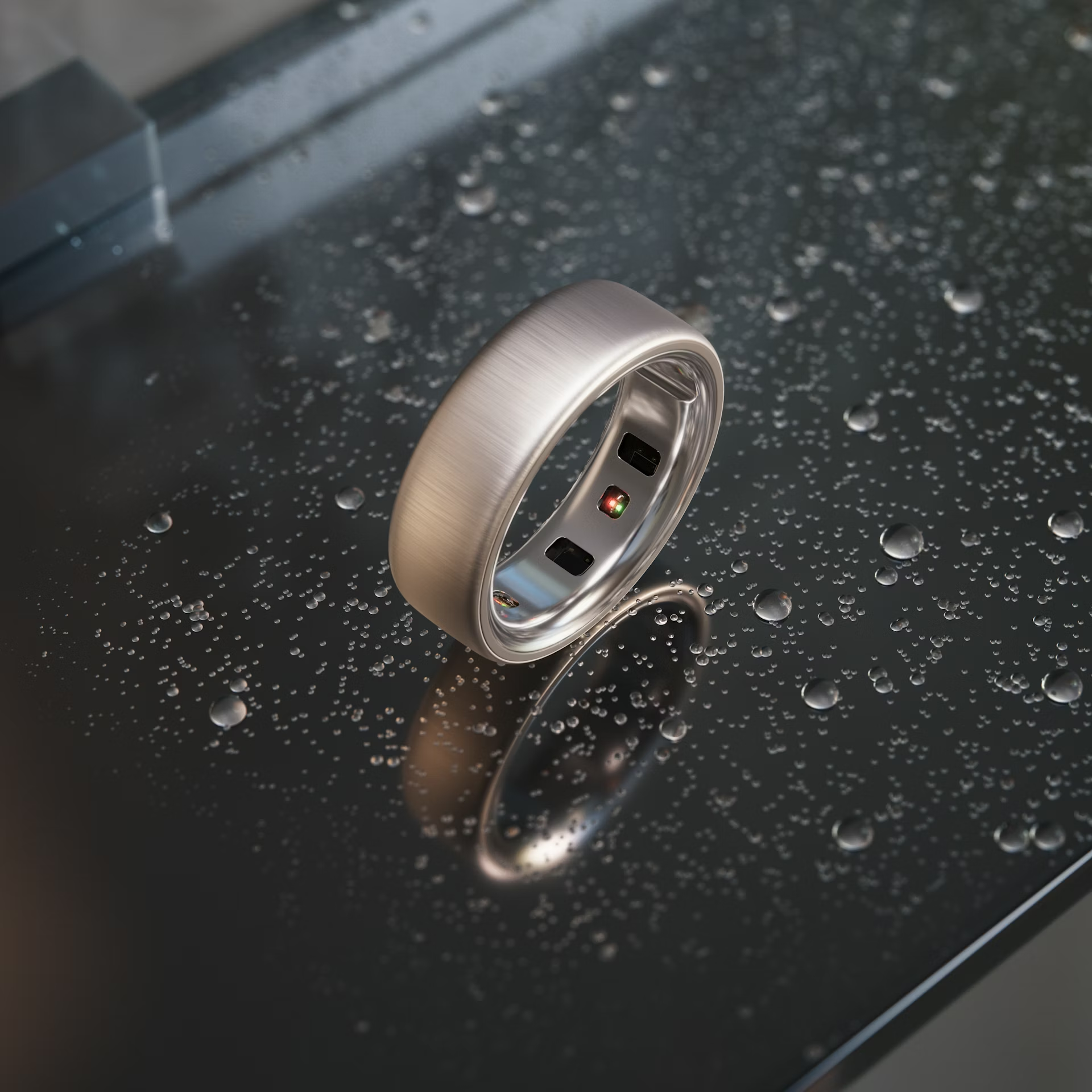
Blood Oxygen Sensing (SpO2) – up to 2 days of battery life lost. This is the single biggest battery drain. SpO2 monitoring activates the red and infrared LEDs throughout the night, and the processing power required to analyze blood oxygen data is substantial.
Extended workout tracking – up to 2 days lost. Oura's official battery estimates assume one hour of activity heart rate tracking per day. If you track two to three hours of exercise daily – common for endurance athletes or people who do both a morning workout and an evening walk – battery life drops significantly. Live heart rate during workouts is especially demanding.
Frequent app syncing – moderate drain. Every time you open the Oura app, the ring activates Bluetooth and begins transferring data. Checking the app ten times a day creates meaningfully more battery drain than syncing once or twice. Background syncing also draws power whenever the app is open and the ring is within Bluetooth range.
Bluetooth connection issues – moderate drain. If your phone frequently falls out of Bluetooth range or the connection is unstable, the ring spends extra energy advertising and attempting to reconnect. A stable connection is more power-efficient than an intermittent one.
Cold weather – temporary capacity loss. Lithium-polymer batteries lose efficiency below 10°C (50°F). In cold conditions, the battery delivers less current, which shows up as reduced runtime – even though the actual capacity hasn't permanently changed. Expect 20 to 30 percent faster depletion in extreme cold. The effect reverses when the ring returns to normal temperature.
Firmware updates – temporary spike. Firmware updates require significant processing power and extended Bluetooth activity. Battery drain during and immediately after an update is normal and not a sign of a problem.
How to Extend Your Oura Ring Battery Life
These adjustments are listed in order of impact, starting with the changes that save the most battery.
1. Disable Blood Oxygen Sensing
If your SpO2 readings consistently show 95 percent or higher and your breathing regularity scores are Optimal or Good, you are not getting actionable data from this feature. Turning it off can add up to two full days of battery life per charge.
To disable: Open the Oura app, tap the menu icon in the top-left corner, select Blood Oxygen Sensing, and toggle it off.
2. Limit Workout Tracking Duration
The ring automatically detects activity and engages heart rate tracking. If you do not need live heart rate data for every walk or casual activity, shorter tracked sessions mean less battery drain. One hour of tracked activity per day is the baseline Oura uses for its battery estimates.
3. Reduce App Syncing
Let the ring store data and sync once or twice per day instead of checking the app constantly. The ring has enough onboard memory to hold multiple days of data, so syncing less frequently does not cause data loss.
4. Use Airplane Mode Strategically
Airplane Mode pauses Bluetooth but does not stop health tracking. The ring continues recording heart rate, temperature, movement, and sleep data – it just does not transmit it until Airplane Mode is turned off. Enabling Airplane Mode during long flights, work hours, or overnight can meaningfully extend battery life without losing any data.
5. Turn Off Location Services for Oura
The Oura app requests location access for timezone detection and GPS-assisted workout tracking. If you do not use GPS workout features, set the Oura app's location access to Never or Ask Next Time in your phone's settings to reduce background activity.
6. Keep Bluetooth Stable
Ensure your phone maintains a reliable Bluetooth connection. Frequent disconnects and reconnects waste more power than a stable persistent connection. Keep the phone within reasonable Bluetooth range and avoid toggling your phone's Bluetooth on and off throughout the day.
Charging Your Oura Ring: What to Know
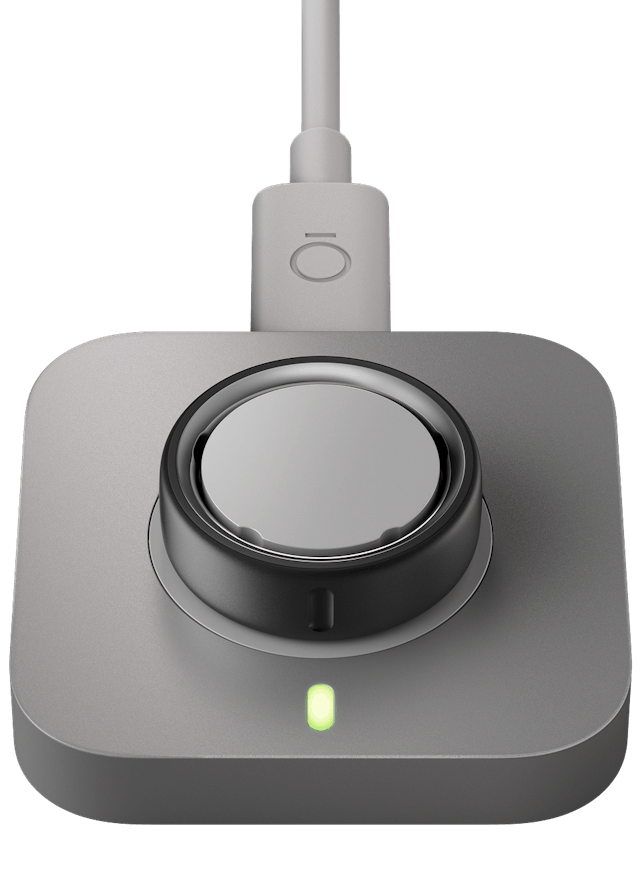
Charging time: A full charge from empty takes 60 to 80 minutes. A quick partial top-up can take as little as 20 minutes. The LED on the charger turns green when the ring reaches full charge.
Short charging bursts are fine – and actually recommended. Oura's lithium-polymer batteries perform best when kept between 25 and 80 percent charge. Dropping the ring on the charger during a shower, while cooking, or at your desk for 20 minutes is better for long-term battery health than running it to zero and doing a full charge.
Can you overcharge it? The ring has built-in protection that stops charging when the battery is full, so leaving it on the charger for a few extra minutes will not cause damage. However, leaving it on the charger overnight or for extended periods is not ideal. Once fully charged, the charger generates residual heat that degrades battery health over time. The best practice is to remove the ring from the charger once the LED turns green.
Do not leave the ring on the charger for more than a week. Extended time on the charger, even with overcharge protection, accelerates battery wear.
Avoid charging in extreme temperatures. Charging a cold ring (below 10°C) or a hot ring stresses the battery chemistry. Let the ring reach room temperature before placing it on the charger.
Battery Health Over Time
Oura's lithium-polymer batteries are rated to retain around 80 percent of their original capacity after roughly 300 to 500 full charge cycles, consistent with standard lithium-polymer specifications. At an average of one charge every 5 days, that translates to several years of use before degradation becomes a practical concern – though heat exposure and deep discharges can accelerate the timeline.
In practice, degradation is not perfectly linear. The first 100 cycles typically show only 2 to 3 percent capacity loss. Between cycles 200 and 400, degradation accelerates – especially if the ring is regularly deep-discharged or exposed to high temperatures. By the 18- to 24-month mark, many owners notice a hard reduction of about one day of runtime compared to when the ring was new.
Can you replace the battery? No. The Oura Ring battery is sealed inside the titanium shell and is not user-replaceable. Attempting to open the ring will permanently destroy it and void the warranty.
What happens when the battery degrades? The ring still works – it just needs charging more often. A ring that originally lasted 7 days might drop to 4 or 5 days after two years. When battery life becomes impractical (charging every day or two), the ring has effectively reached end of life.
Warranty coverage: Oura's standard 1-year warranty (2 years in the EU) does not cover normal battery degradation. Batteries are classified as consumable parts. However, if the battery exhibits abnormal behavior – dying within a day of purchase, failing to charge, or draining from full to empty overnight – that qualifies as a defect and is covered. Oura also offers an Extended Protection Plan that covers accidental damage but still excludes normal battery wear.
If your ring's battery life drops dramatically and the ring is still under warranty, contact Oura support. Even outside the formal warranty period, Oura often offers discounted replacement rings for customers experiencing premature battery failure – contacting support directly is worth doing even if the warranty has lapsed.
How Oura Ring Battery Compares to Other Smart Rings
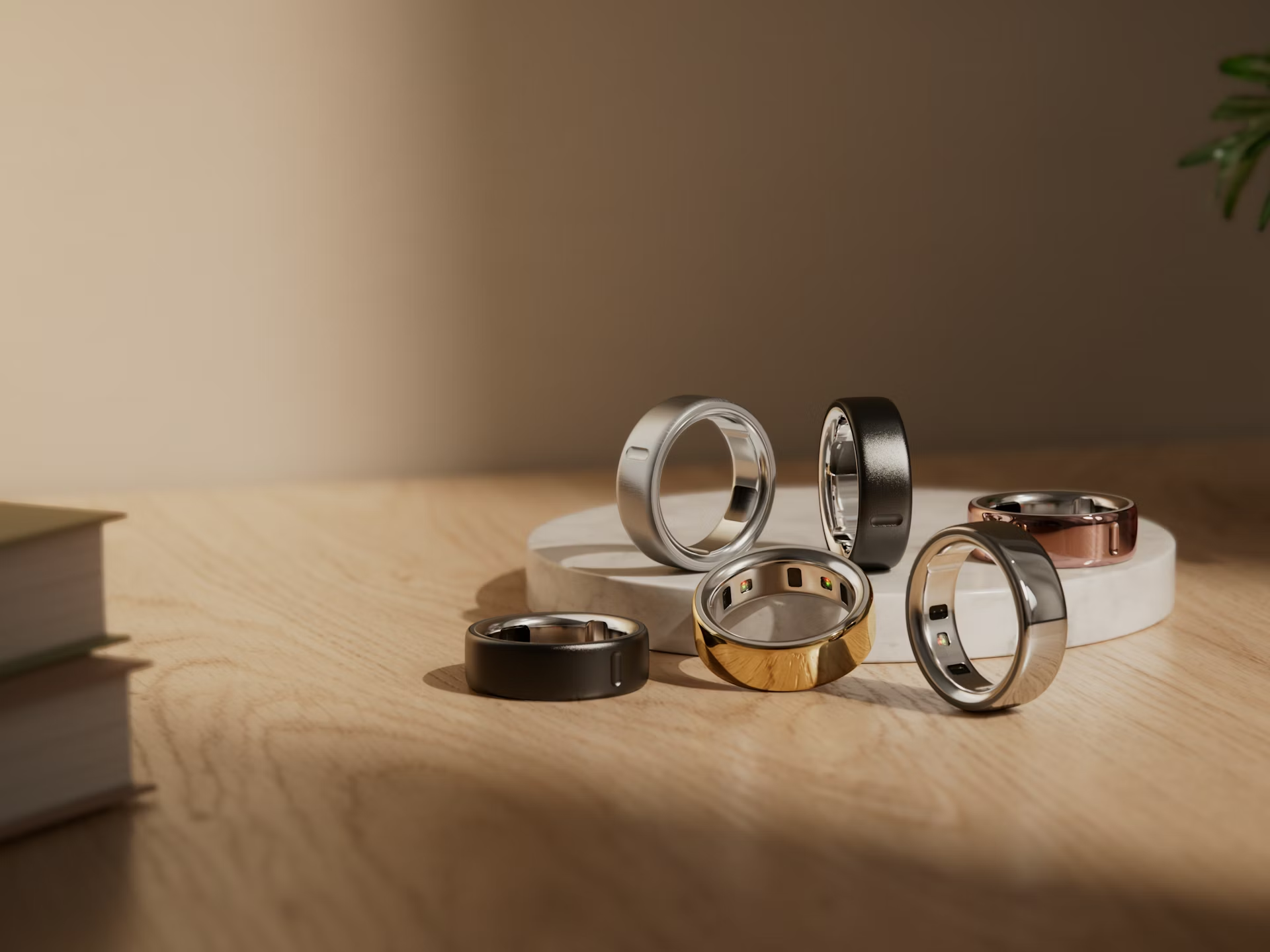
Oura's 5- to 8-day battery life is competitive but not category-leading. Here is how it stacks up against the main alternatives:
| Smart Ring | Official Battery Life | Real-World Average |
|---|---|---|
| Oura Ring 4 | 5-8 days | 5-7 days |
| Oura Ring Gen 3 | Up to 7 days | 4-6 days |
| Samsung Galaxy Ring | Up to 7 days (large sizes) | 4-5 days |
| RingConn Gen 2 | 10-12 days | 8-9 days |
| Ultrahuman Ring Air | 4-6 days | 4-5 days |
The RingConn Gen 2 leads the category with genuinely impressive battery life that routinely reaches 8 to 9 days in normal use. The Samsung Galaxy Ring falls slightly short of Oura in raw battery life but compensates with a portable charging case that has a built-in battery – a meaningful advantage for travel. When paired with a Galaxy Watch, the Samsung ring offloads some tracking duties to the watch, which extends ring battery life by up to 30 percent.
The Oura Ring 4 lands in the middle of the pack on battery life alone, but its fast charging (as little as 20 minutes for a quick top-up) and the practical habit of topping off during a shower make the shorter battery life manageable for most users. For a broader comparison of the current smart ring landscape, see the best smart rings for 2026.
The Bottom Line
The Oura Ring 4's battery lasts 5 to 8 days in theory and 5 to 7 days in practice – good enough that most people charge it twice a week and never think about it. The biggest battery drain is SpO2 monitoring, and disabling it is the single most impactful thing you can do if battery life is a concern. Beyond that, short daily charging bursts during showers or desk time, combined with less frequent app syncing, will keep the ring running longer than the official estimates suggest. The battery is not replaceable, but with reasonable charging habits, it should hold up well for 18 months to two years before degradation becomes noticeable.