
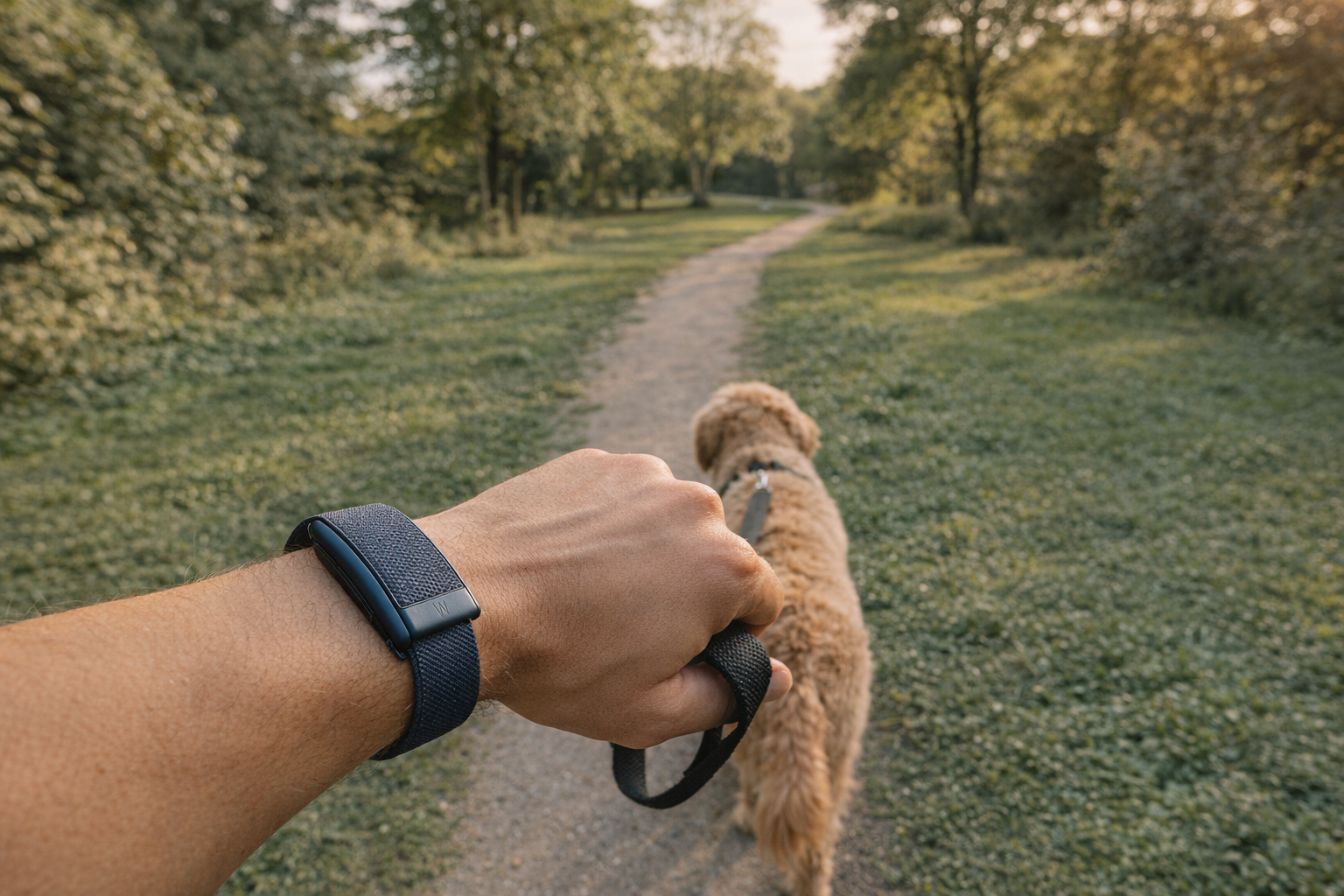
Yes, Whoop tracks steps – but not with the same accuracy or prominence as Fitbit, Apple Watch, or Garmin. Step data lives exclusively in the app (there is no on-device display), the algorithm is optimized for wrist wear only, and counts can diverge from competing trackers by 1,000 to 3,000 steps per day. If you need a quick-hit answer: Whoop handles step tracking well enough for general health awareness, but it is not a step-first device.
Below, we cover exactly how to find your step count, set goals, understand accuracy limitations, and decide whether Whoop's step tracking is sufficient for your needs.
How Whoop Counts Steps
Whoop uses its built-in accelerometer to detect the specific motion patterns your body produces while walking and running. A step detection algorithm analyzes raw accelerometer data and converts it into a step count. This happens automatically whenever the device is worn on the wrist – no manual setup or toggle required.
The feature is available on both Whoop 4.0 and Whoop 5.0 hardware. If you're on the 4.0, a simple app update is all you need. The 5.0 and MG models ship with an upgraded accelerometer and gyroscope, along with a refined step-counting algorithm that promises improved accuracy over the previous generation.
One important caveat: step tracking is validated and optimized for wrist wear. If you use the bicep band, expect noticeably lower step counts – potentially half of what the wrist reports – because the algorithm is calibrated to wrist motion patterns.
How to View Your Step Count on Whoop
Finding your step count in the Whoop app is straightforward, though it's not front and center the way it is on a Fitbit:
- Open the Whoop app on your phone.
- Scroll down on the home screen to the My Dashboard section.
- Look for the Steps card, which displays your current daily total.
- Tap the Steps card to see more detail, including daily, weekly, monthly, and six-month trend views.
- Customize your dashboard if you want steps displayed higher on the home screen. You can drag the Steps card to a more prominent position.
Whoop also highlights step milestones, such as when your cumulative daily steps equal the distance of a marathon, calculated using your estimated stride length. It's a nice touch that adds context to what can otherwise feel like a meaningless number.
Unlike Apple Watch or Fitbit, there is no step count visible on the Whoop device itself – because there is no screen. Everything lives in the app, which means you need your phone nearby to check your progress throughout the day.
How Accurate Is Whoop Step Tracking?
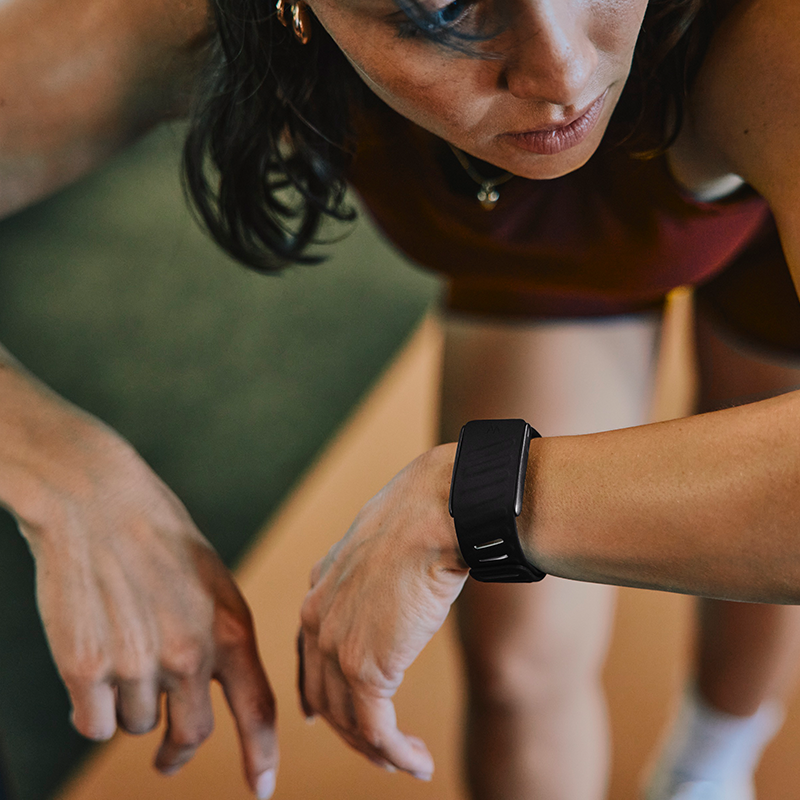
This is where things get complicated. Whoop step tracking is functional, but it's not best-in-class, and accuracy can be inconsistent.
The Whoop 5.0 and MG models use an improved algorithm that performs better than the 4.0. The 5.0 tracks more reliably overall, though meaningful discrepancies remain.
Common accuracy issues include:
- Undercounting during treadmill walking. Whoop can dramatically undercount steps during treadmill sessions, capturing only a fraction of actual steps.
- Inconsistency compared to other devices. When compared side-by-side with Apple Watch or Fitbit, Whoop step counts often diverge by 1,000 to 3,000 steps in either direction over the course of a day.
- Bicep band limitations. Wearing Whoop on the bicep significantly reduces step count accuracy because the motion patterns differ from the wrist.
- No manual correction. If Whoop miscounts steps during a specific activity, there is currently no way to manually adjust the total.
The bottom line on accuracy: Whoop step tracking is good enough for general daily awareness. It will tell you whether you had a 4,000-step day or a 12,000-step day. But if you need precise step counts for medical tracking or a specific step-based fitness program, a dedicated step tracker or smartwatch will serve you better.
Why Whoop Doesn't Emphasize Steps
For most of its existence, Whoop deliberately refused to count steps. The company built its entire identity around Strain, recovery, and heart rate variability, arguing that steps are a crude measure of physical effort. A casual stroll and an uphill hike can produce the same step count but wildly different physiological demands. Whoop wanted no part of that oversimplification.
That changed in October 2024, when Whoop rolled out step tracking as a core feature across all its devices. The shift came as mounting research showed that hitting roughly 8,200 steps per day significantly reduces the risk of chronic conditions like high blood pressure, diabetes, and depression. Even Whoop had to admit: steps matter for longevity, even if they don't tell the whole fitness story.
Understanding this history helps explain why steps still feel like an afterthought in the app. Whoop was built around Strain – a proprietary metric that measures cardiovascular and muscular load based on heart rate data.
The core argument is simple: not all steps are equal. A thousand steps at a slow shuffle produce almost no cardiovascular demand, while a thousand steps running uphill at tempo pace push your heart rate near its max. Steps count movement frequency; Strain captures physiological cost. Whoop designed its entire platform around that distinction.
Strain analyzes continuous heart rate data collected every second, 24/7, capturing everything from your morning walk to stress-induced heart rate spikes at your desk. It creates one unified metric for daily physical load. Steps, by contrast, only measure one narrow dimension of movement.
Whoop eventually added steps because the longevity research became too compelling to ignore. Daily step counts correlate strongly with reduced all-cause mortality, independent of exercise intensity. So Whoop now presents steps alongside Strain – but Strain remains the star, and steps play a supporting role.
Step Goals and Daily Targets
You can set step goals on Whoop through the Weekly Plan feature:
- Open the Whoop app and tap the Plan tab.
- Choose one of the preset plans (Sleep Deeper, Boost Fitness, or Feel Better) or create a custom plan.
- Add a step goal to your plan and follow the prompts to set your daily target.
- Your target is calibrated to your individual baseline data, so it reflects your actual activity patterns rather than an arbitrary number.
You can adjust your step goal over time as your activity level changes. Whoop tracks your progress against the goal within the Plan tab. The 7,000 to 10,000 steps per day range is a reasonable target for most people looking to capture the longevity benefits of daily movement.
That said, the step goal integration is less prominent than what you get on competing platforms. There are no hourly reminders to move, no animated ring to close, and no celebratory haptic buzz when you hit your target. The experience is more data-driven and less gamified.
Whoop Steps vs. Other Trackers
Here's how Whoop's approach to step tracking compares with the major alternatives:
Fitbit treats steps as the centerpiece of the experience. Every Fitbit device puts your step count front and center, includes hourly movement reminders, celebrates milestones with badges, and integrates steps into its social features. Step accuracy is consistently strong. If steps are your primary motivation metric, the Fitbit Charge 6 remains the gold standard.
Apple Watch builds steps into its broader Activity framework, with the famous three-ring system tracking Move (calories), Exercise, and Stand goals. Steps are available in the Health app and through complications on the watch face. Accuracy is excellent, and the always-visible display means you can check your count with a glance.
Garmin offers robust step tracking with move alerts, step goals, and detailed daily breakdowns on the device itself. Garmin watches also integrate steps with broader health metrics like Body Battery and Intensity Minutes. Step accuracy is reliable across the lineup.
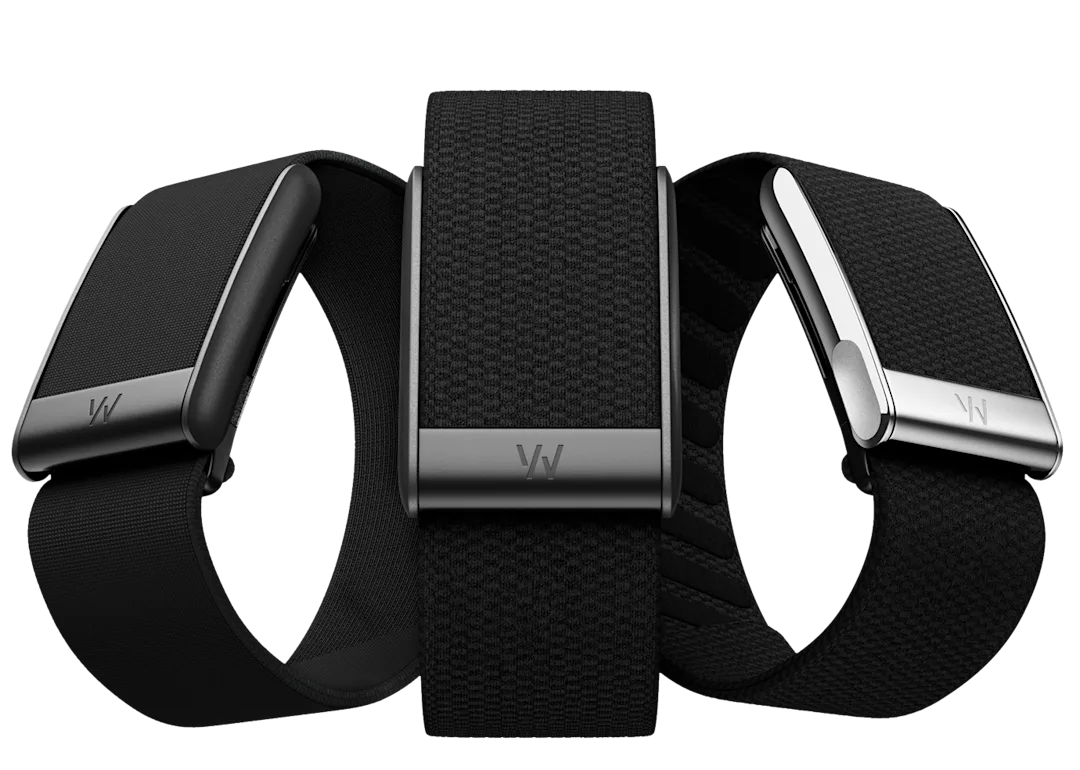
Whoop tracks steps as a secondary metric with no on-device display, limited gamification, and accuracy that trails the competition. Where Whoop excels is in Strain, recovery, sleep analysis, and HRV tracking – areas where it outperforms most step-focused devices.
The takeaway: buy Whoop for its recovery and strain insights, not for step counting. The step data is a useful bonus, not a reason to choose the platform.

Tips for Getting the Most Out of Whoop Step Data
Even though step tracking isn't Whoop's strongest feature, you can make it more useful with a few adjustments:
- Wear it on your wrist. The step algorithm is optimized for wrist placement. Bicep wear will undercount significantly.
- Move the Steps card up on your dashboard. Customizing the app layout puts step data where you'll actually see it regularly.
- Set a step goal in Weekly Plan. Even a modest goal creates accountability and helps you track trends over time.
- Use steps as a complement to Strain. A high Strain day with low steps might mean an intense gym session. A moderate Strain day with 12,000 steps suggests lots of walking. Together, the two metrics paint a fuller picture of your day.
- Track weekly and monthly trends, not daily totals. Given the accuracy variability, trend data over weeks and months is more reliable and actionable than any single day's count.
- Don't obsess over matching other devices. If you also wear an Apple Watch or carry your phone, the step counts will differ. Focus on Whoop's internal consistency over time rather than matching another tracker step for step.
- Keep the app updated. Whoop continues to refine its step algorithm through software updates, so running the latest version ensures the best accuracy available.
The Bottom Line
Whoop tracks steps, and it does so well enough for general health awareness. You can view daily counts, track trends over time, and set goals through the Weekly Plan feature. The Whoop 5.0 improved step accuracy over the 4.0 with better hardware and a refined algorithm.
But Whoop is not a step tracker. It's a recovery and strain platform that happens to count steps. The accuracy trails dedicated step trackers, there is no on-device display, and the overall experience treats steps as supporting data rather than a headline metric.
If your primary fitness goal revolves around hitting daily step targets, a Fitbit, Apple Watch, or Garmin will deliver a better experience. If you care most about strain management, recovery optimization, and sleep quality – and want step data as an added layer of context – Whoop handles that combination well. Just wear it on your wrist and keep your expectations appropriately calibrated. Looking for something different entirely? Check out our roundup of the best Whoop alternatives to see how the competition stacks up.