
Can Smart Glasses Actually Replace Your Monitor?
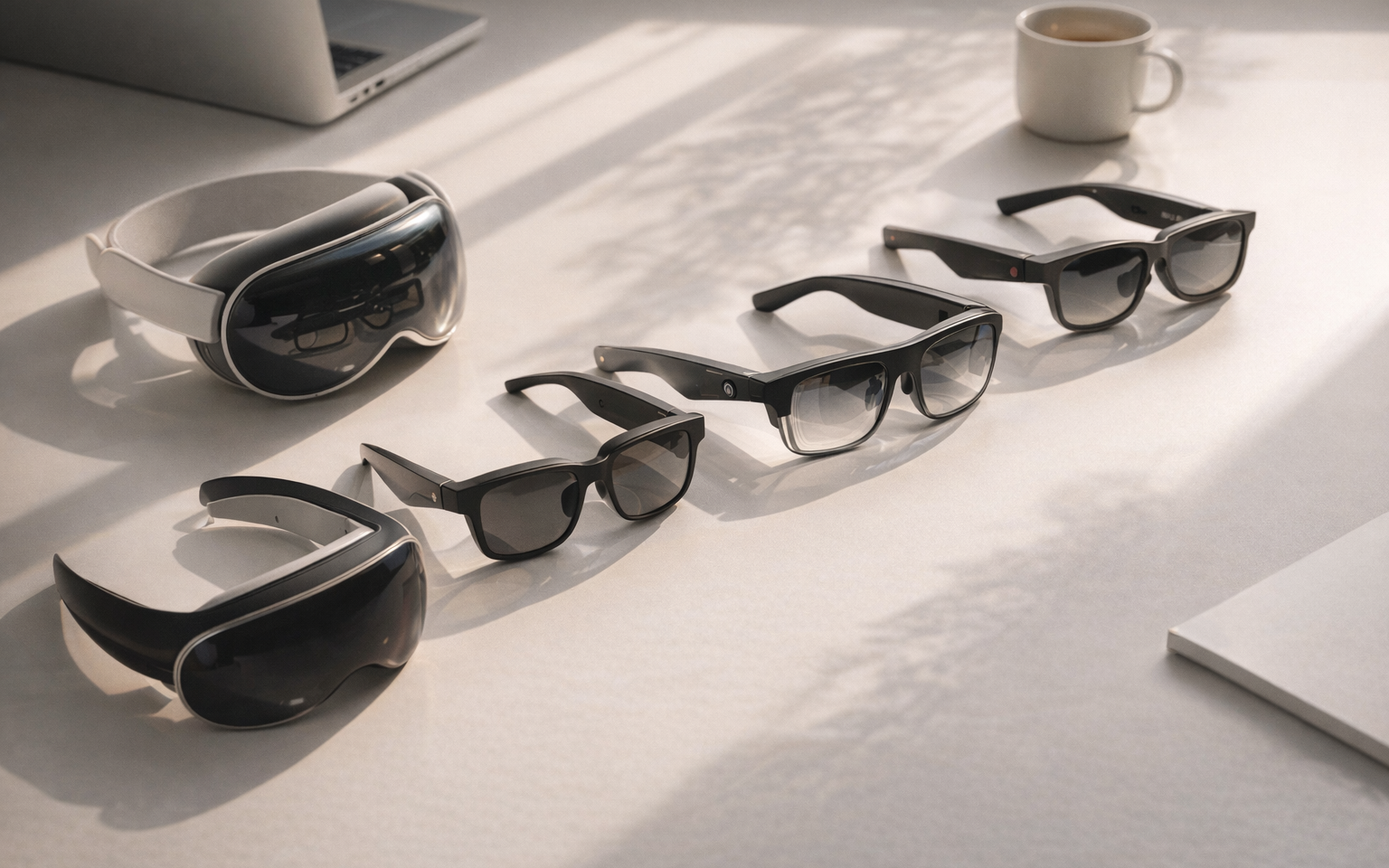
The short answer is: almost. The longer answer requires some honesty about where these devices excel and where they still fall short. In early 2026, the best smart glasses can project a crisp virtual screen equivalent to a 135- to 174-inch display, place it wherever you look, and do so from a device that weighs less than a pair of aviator sunglasses. For remote workers tired of hunching over a 13-inch laptop in a coffee shop, or road warriors who want desktop-level screen real estate in a hotel room, the technology has crossed a meaningful threshold.
The central tension remains field of view versus portability. A wider field of view means a larger, more immersive virtual workspace, but it typically means thicker optics or heavier frames. Resolution matters too: 1080p per eye is fine for reading emails and browsing the web, but developers staring at 10-point monospaced fonts for eight hours need the sharper text that 1200p panels deliver. And then there is the ecosystem question. The glasses themselves are just screens strapped to your face. The software that enables multi-window layouts, spatial positioning, and smooth head-tracking is what transforms a novelty into a productivity tool.
After comparing more than a dozen current-generation smart glasses across display quality, comfort, productivity software, and real-world text legibility, five models stand out for genuinely useful monitor replacement. Here are the picks.
XREAL One Pro – Best Overall for Monitor Replacement
Price: $649
The XREAL One Pro is the smart glass to beat for productivity work in 2026. Its 57-degree field of view is the widest in XREAL's lineup, translating to a virtual screen that feels like a 171-inch display – large enough to comfortably tile two application windows side by side without squinting at the edges. The dual Micro-OLED panels deliver 1080p per eye at 120Hz with 700 nits of brightness, producing punchy colors and smooth scrolling that make extended work sessions surprisingly pleasant.
What sets the One Pro apart from most competitors is XREAL's custom X1 chip, which handles spatial computing on-device rather than offloading it to your phone or laptop. The result is native 3DoF head tracking with just 3ms of latency. In practical terms, this means the virtual screen stays locked in space as you turn your head, with none of the swimmy lag that plagues lesser devices. You can position your code editor front and center, slide a browser to the right, and glance between them naturally. The spatial screen genuinely behaves like a fixed monitor rather than a floating image duct-taped to your field of vision.
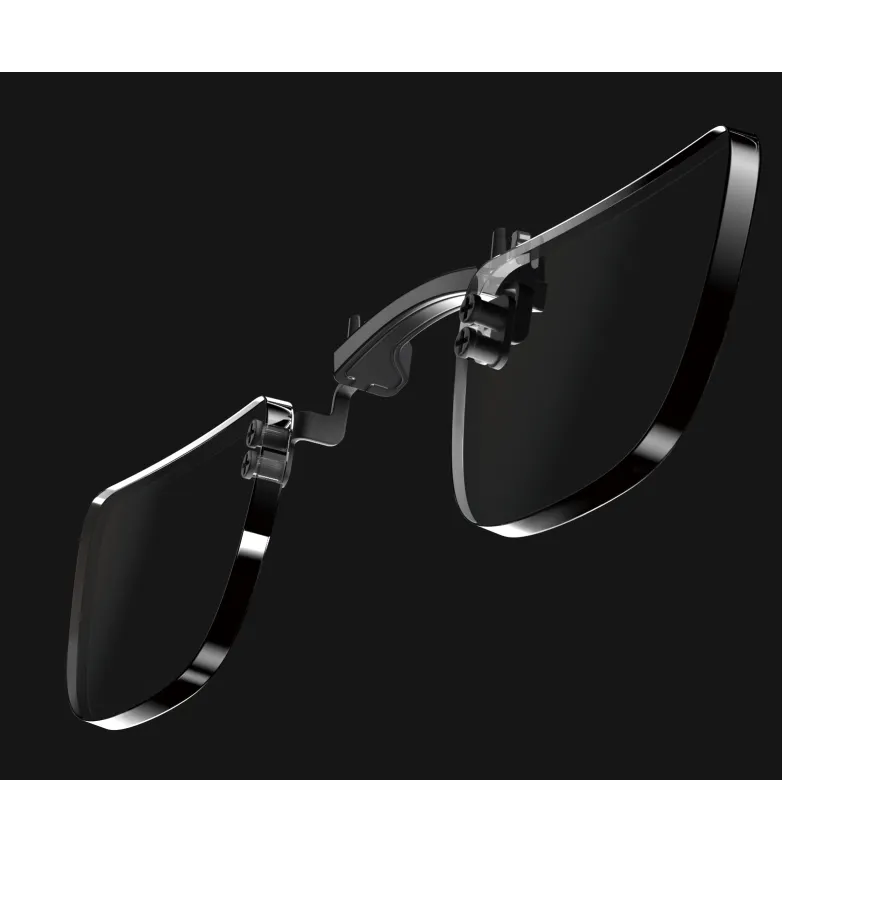
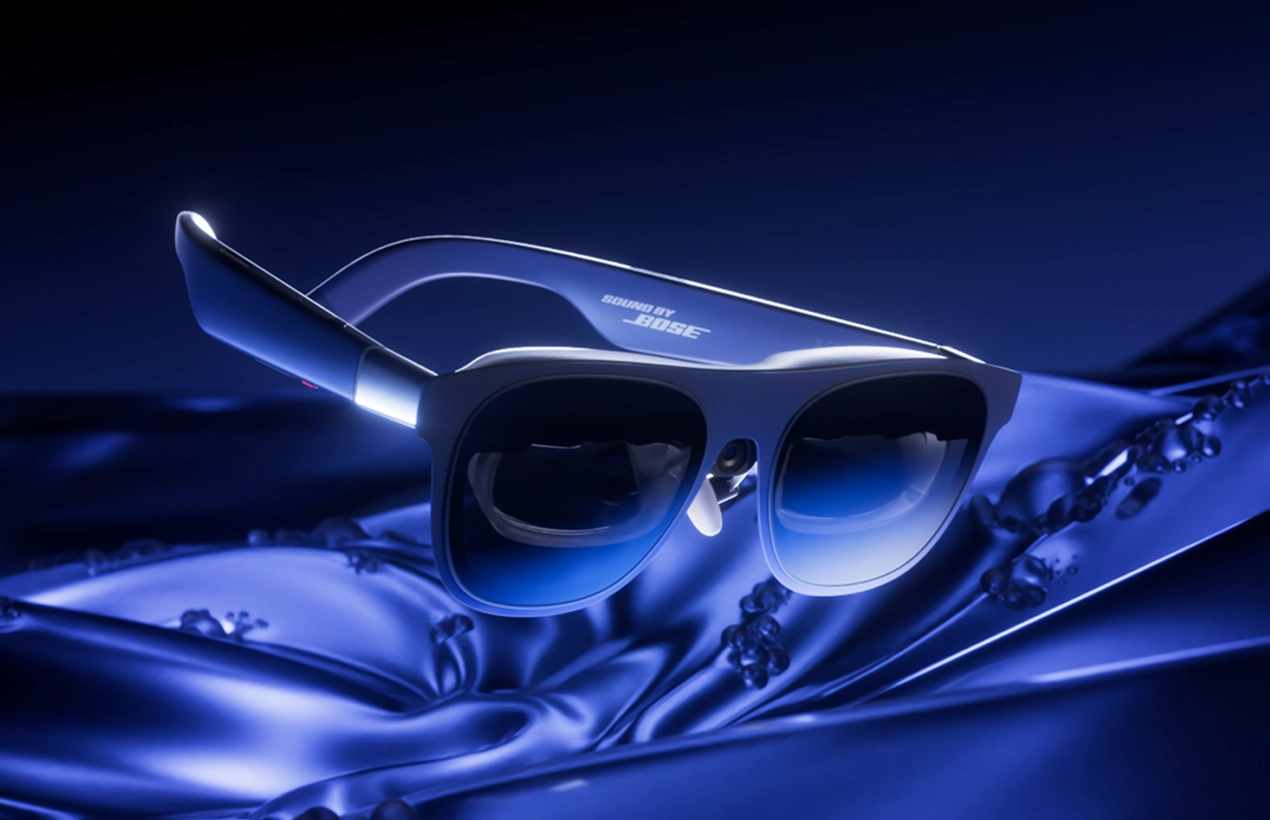
The One Pro uses a new flat-prism (X-Prism) lens design that is over 40 percent thinner than XREAL's previous triangular optics, giving the glasses a more conventional look. At 87 grams, they are heavier than some competitors, but the weight distribution is good enough for two- to three-hour sessions without significant discomfort. Audio comes from a system co-engineered with Bose, and it is genuinely good – clear enough for video calls without headphones, directional enough that the person next to you on a plane will not hear your Slack notifications.
The caveats: text can look slightly grainy at very small font sizes because the panels are still 1080p, not 1200p. Developers who live in 9-point code may want to bump their font size up a notch or consider the XREAL 1S instead. The glasses also require a USB-C tether to a laptop, phone, or handheld device – there is no standalone mode. And at $649, the One Pro is not cheap, though it undercuts the Apple Vision Pro by nearly $3,000.
Key specs: 57-degree FoV | 1080p per eye | 120Hz | 700 nits | 87g | USB-C tethered | Prescription lens inserts available | 3DoF spatial tracking via X1 chip
XREAL 1S – Best for Developers and Coders
Price: $449
If readability of small text is the single most important criterion – and for developers, it usually is – the XREAL 1S edges out every other sub-$500 option. Its 1200p-per-eye Micro-OLED panels deliver noticeably sharper text than the 1080p displays found in the One Pro and most competitors. Code in VS Code, terminal output, spreadsheet cells with dense data: everything that demands pixel-level legibility looks better on the 1S.
The tradeoff is field of view. The 1S uses the older Birdbath optical design rather than the One Pro's flat-prism system, which keeps the FoV at roughly 52 degrees and makes the frames slightly thicker. The virtual screen equivalent is marketed at 171 inches – matching the One Pro on paper – but the narrower 52-degree field of view means less peripheral immersion in practice. For productivity work where you primarily need one large, sharp screen rather than a sprawling multi-window canvas, the narrower FoV is an acceptable compromise.
At 82 grams, the 1S is among the lightest glasses here, and the balanced frame distributes weight well enough for long coding sessions. It supports 120Hz and the same X1-chip-powered spatial tracking as the rest of the XREAL One series, so head-tracking latency remains excellent. A unique feature is AI-powered 2D-to-3D conversion, which is irrelevant for productivity but a fun bonus for media consumption during breaks.
The 1S launched at CES 2026 in January and is available globally through XREAL's own store, Amazon, and Best Buy. At $449, it costs $200 less than the One Pro while delivering arguably better text clarity. For developers who spend their days reading and writing code, that math is hard to argue with.
Key specs: 52-degree FoV | 1200p per eye | 120Hz | 82g | USB-C tethered | Prescription lens inserts available | 3DoF spatial tracking via X1 chip
RayNeo Air 4 Pro – Best Budget Pick
Price: $299
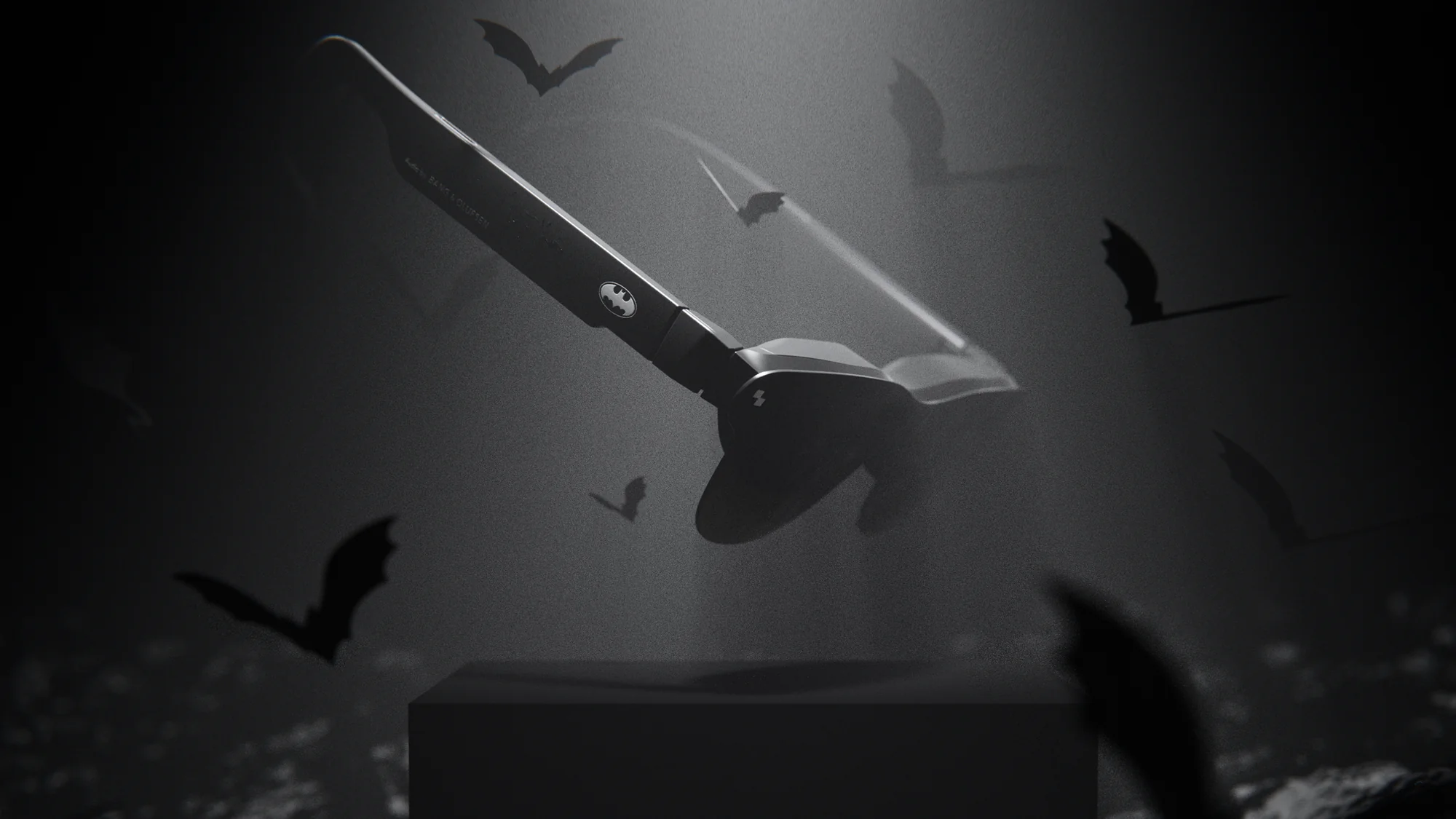
The RayNeo Air 4 Pro launched in January 2026 and immediately redefined what $299 buys in the smart glasses market. It is the first AR glasses with an HDR10-capable display, delivering 10.7 billion colors through Micro-OLED panels. The audio system, co-tuned with Bang & Olufsen, is a genuine step up from the tinny speakers found in most budget competitors.
At 76 grams with a 50-degree field of view and 1080p-per-eye resolution, the Air 4 Pro hits the same core specs as glasses costing $150-350 more. The virtual screen equivalent is 201 inches at six meters, though the effective usable area for productivity is more like a comfortable 27-inch monitor at arm's length. The HDR10 support is primarily a media-consumption benefit, but it also means that contrast and color accuracy when editing documents or reviewing designs are notably better than previous-generation budget glasses.
Connectivity is dead simple: a single USB-C cable to any compatible device (iPhone 15+, Mac, PC, Android, Nintendo Switch 2, PS5). There is no app to install, no pairing process, no spatial computing software to configure. Plug in and the glasses become an external display. This simplicity is a virtue for anyone who wants a portable second screen without a learning curve, but it also means there is no native multi-window or spatial-screen functionality. You get whatever your connected device outputs, mirrored or extended.
The Air 4 Pro does not support built-in diopter adjustment, so prescription users need to order separate lens inserts. And while text is legible at standard font sizes, the 1080p resolution means that very small text – the kind developers rely on – can feel slightly soft compared to 1200p options. For general productivity, email, documents, browsing, and video calls, the Air 4 Pro is a remarkable value. For hardcore coding, spend more on the XREAL 1S.
Key specs: 50-degree FoV | 1080p per eye | 120Hz | HDR10 | 76g | USB-C tethered | B&O-tuned audio | Prescription lens inserts required
Apple Vision Pro (M5) – Best Premium, No-Compromise Pick
Price: $3,499
The Apple Vision Pro is the only device on this list that can genuinely replace a multi-monitor desktop setup without compromise. Its Mac Virtual Display feature projects a resizable 4K or 5K monitor into your space, with an Ultrawide mode (32:9 aspect ratio, up to 10240 x 2880 pixels) that is equivalent to two 4K monitors side by side. You can snap four application windows into quadrants, position them freely in 3D space, and interact via eye tracking and hand gestures. No other product here comes close to this level of spatial computing sophistication.
The M5 chip delivers improved graphics performance and power efficiency over the original Vision Pro, and the micro-OLED displays now push 10 percent more pixels with a 120Hz refresh rate. Text is razor-sharp at any size. Code is perfectly legible in 9-point monospaced fonts. Color accuracy is professional-grade. For sheer display quality as a productivity tool, this is the benchmark against which everything else on this list is measured.
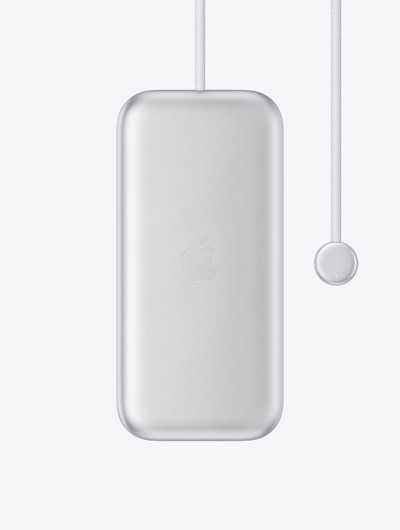
But the Vision Pro is not a pair of smart glasses. It is a 750- to 800-gram headset (depending on configuration) with an external battery pack that provides about 2.5 hours of use. The improved Dual Knit Band distributes weight better than the original, but extended wear still produces fatigue. Most users report comfortable sessions of 90 minutes to two hours before needing a break. For a full workday, you will be taking the headset on and off. The $3,499 starting price – before $149 prescription lens inserts – puts it in a different stratosphere from every other option here.
The Vision Pro makes sense for professionals whose workflow genuinely demands multiple large, high-resolution screens and who cannot or will not carry physical monitors. If you are a developer who works from hotel rooms, co-working spaces, or airplanes and you need a true multi-monitor IDE setup, nothing else delivers this. For everyone else, the tethered glasses options at one-fifth to one-tenth the price offer 80 percent of the benefit.
Key specs: ~100-degree FoV | 4K+ micro-OLED per eye | 120Hz | 750-800g | Standalone with 2.5-hour battery | visionOS with Mac Virtual Display | Eye and hand tracking | Prescription inserts ($149)
Viture Beast – Best for Travel and Portability
Price: $549
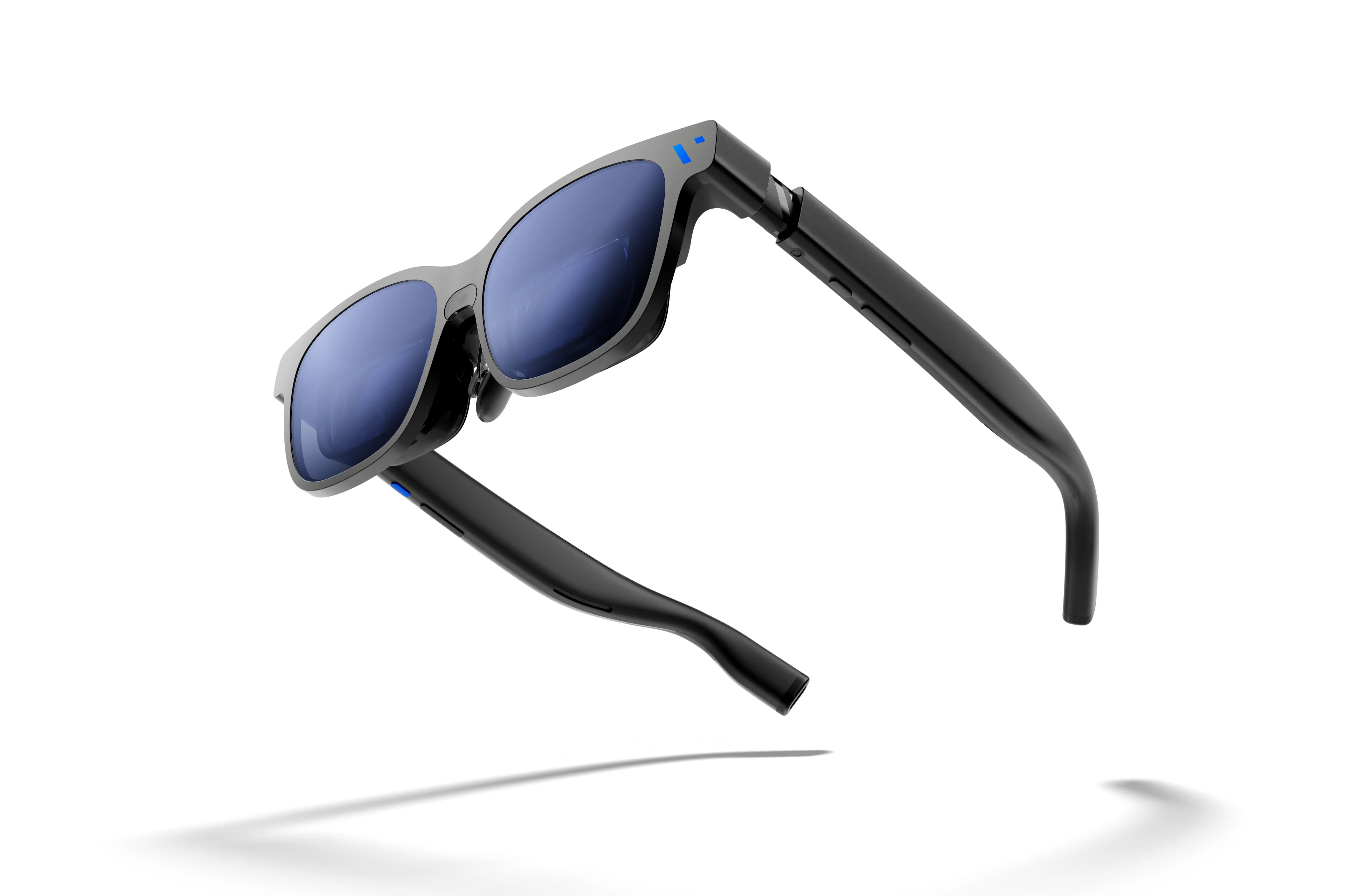
The Viture Beast earns its name with the widest field of view in the tethered-glasses category: 58 degrees, slightly edging out even the XREAL One Pro. That extra degree of immersion comes paired with 1200p-per-eye Micro-OLED panels and 1,250 nits of brightness – the highest in this roundup. The result is a virtual 174-inch screen that is sharp enough for productivity and vivid enough for HDR content.
The magnesium-aluminum alloy frame keeps weight at 77 grams despite the larger optics, making the Beast one of the lightest options with a wide FoV. Nine-level electrochromic tint control lets you darken the lenses at the press of a button, switching from a semi-transparent view of your surroundings to a fully immersive dark-room experience. On a plane or in a bright office, this is invaluable for maintaining focus and privacy.
Viture's built-in VisionPair 3DoF tracking and SpaceWalker software enable spatial multi-window layouts on Mac, iPhone, and Android. The Spatial Side Mode lets you pin secondary apps alongside your primary display – a Slack window floating next to your code editor, for example. Multi-window support now extends to iPhone, which is a meaningful differentiator for iOS users who want productivity on the go without carrying a laptop.
The Beast's main weakness relative to the XREAL One Pro is software maturity. XREAL's Nebula platform and X1 chip have had more time in the market, and the head-tracking feels marginally more refined. Minor chromatic aberration is visible at the edges of the Beast's wider field of view – a known optical tradeoff with the current lens design. But at $549 with 1200p resolution and 58-degree FoV, the Beast offers the best portability-to-capability ratio for frequent travelers who want a single, lightweight device that handles both work and entertainment.
Key specs: 58-degree FoV | 1200p per eye | 120Hz | 1,250 nits | 77g | USB-C tethered | Electrochromic tint | 3DoF tracking | Prescription lens frame available
How We Chose
Every pick in this guide was evaluated across five criteria:
Display quality and field of view. For monitor replacement, the display has to be good enough to stare at for hours. That means high-resolution Micro-OLED panels (1080p minimum, 1200p preferred), a field of view wide enough to fit meaningful content (50 degrees minimum), and a refresh rate of at least 90Hz to avoid eye strain. Brightness matters too – anything below 600 nits struggles in well-lit environments.
Comfort for extended wear. Smart glasses that cause headaches after 45 minutes are useless for productivity. Weight under 90 grams, balanced frame distribution, and adjustable nose pads are baseline requirements. Glasses that accommodate prescription lenses (via inserts or built-in diopter adjustment) earn extra consideration because squinting through the wrong focal distance is a fast path to fatigue.
Productivity software ecosystem. A sharp display means nothing without software that lets you arrange multiple windows, lock screens in space, and switch between applications efficiently. Devices with native spatial computing (XREAL's X1 chip, Apple's visionOS) hold a clear advantage over glasses that simply mirror a single screen.
Value. Price is evaluated relative to capability. The RayNeo Air 4 Pro at $299 and the XREAL 1S at $449 punch above their price class. The Apple Vision Pro at $3,499 is expensive by any measure but delivers capabilities nothing else can match.
Connectivity flexibility. USB-C compatibility with laptops, phones, tablets, and handhelds is essential. Glasses that work only with specific devices or require proprietary adapters are penalized. Standalone operation (Vision Pro) is a bonus but not a requirement given the weight tradeoffs involved.
Who Should Buy What
The productivity generalist who wants the best overall balance of display quality, spatial computing, and ecosystem maturity for daily professional use: get the XREAL One Pro ($649). It is the most complete package for monitor replacement today.
The remote developer who codes in VS Code or JetBrains all day, needs legible small-font text, and wants a portable second screen for hotel rooms and co-working spaces: get the XREAL 1S ($449). The 1200p resolution makes code genuinely readable, and the price is reasonable enough to justify as a work expense.
The curious professional who wants to experiment with glasses-as-monitor without a major financial commitment, primarily for documents, email, and web browsing: get the RayNeo Air 4 Pro ($299). It is the lowest-risk entry point into the category.
The frequent flyer who wants a private, immersive workspace on planes and in airport lounges, with the flexibility to switch between productivity and entertainment: get the Viture Beast ($549). The wide FoV, electrochromic tint, and light weight make it the best all-around travel companion.
The multi-monitor power user who refuses to compromise on screen real estate and needs to run four applications simultaneously with spatial positioning: get the Apple Vision Pro ($3,499). Nothing else replicates a true multi-monitor desktop. Budget accordingly.
What to Avoid
The Rokid Max 2 ($529) looks appealing on paper – 50-degree FoV, 1080p Micro-OLED, 75 grams – but text clarity is inconsistent at screen edges and the productivity software falls short for multi-window work. The glasses shine as a portable cinema screen but fall short when you need to read dense text or manage multiple windows. The optional Station 2 accessory unlocks spatial features but at an additional cost that pushes the total price above better-performing alternatives.
The Viture Pro XR ($459) was a strong option in 2024, but its 46-degree field of view feels cramped by 2026 standards, especially when the newer Viture Beast offers 58 degrees and 1200p resolution for just $90 more. The Pro XR's colors also skew warm with no calibration options, which is a problem for any design-adjacent work. Unless you find one heavily discounted, the Beast is the better Viture buy.
Meta Orion remains a prototype available only to developers and Meta employees in 2026. There is no consumer product to buy, no public pricing, and no confirmed release date beyond vague 2027 targets. Do not factor these into any purchase decision today.